Basic Operations
24
Recording TV programmes (continued)
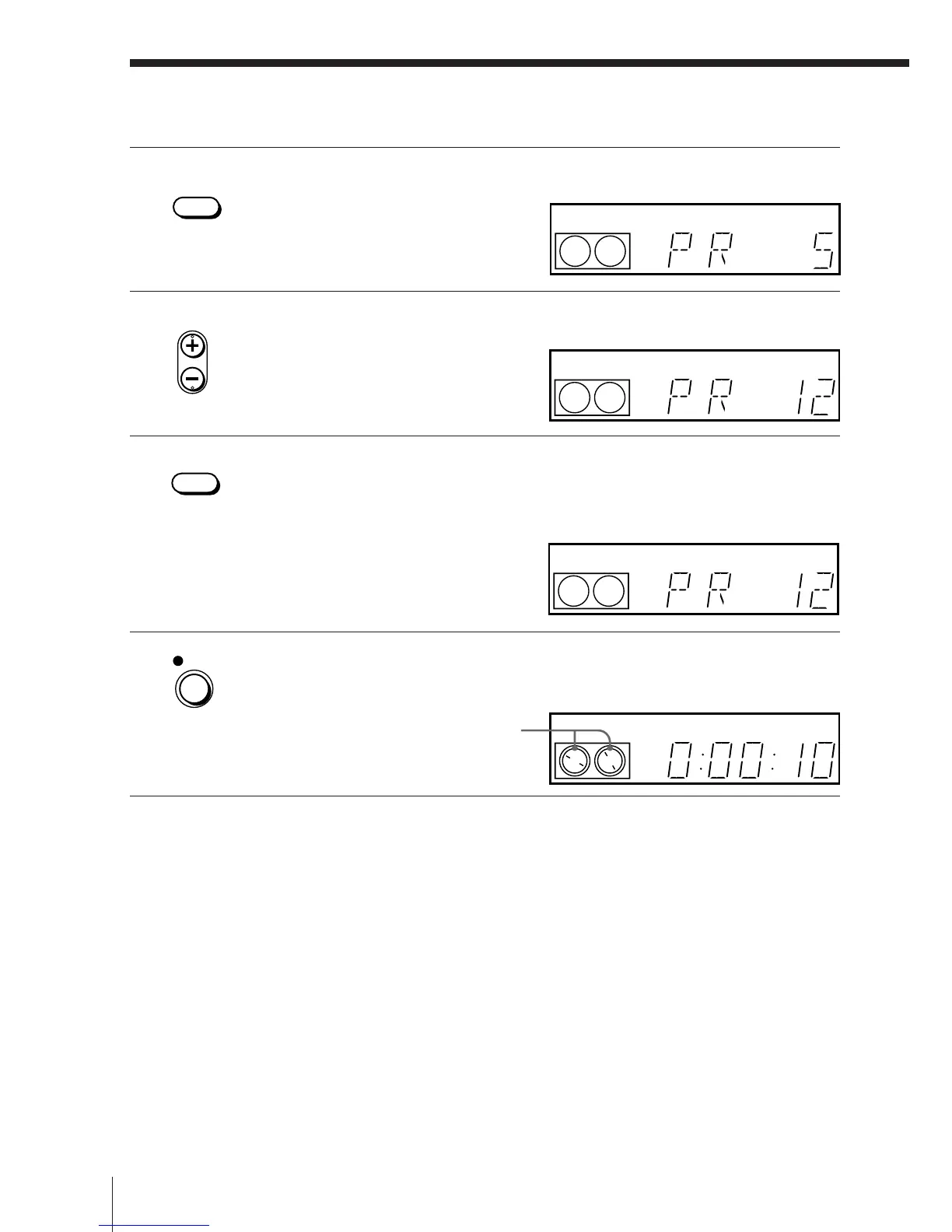
3 Press INPUT SELECT until a programme position number appears
in the display window.
4 Press PROG +/– to select the programme position you want to
record.
5 Press SP/LP to select the tape speed, SP or LP.
LP (Long Play) provides recording time twice as long as SP,
however, SP (Standard Play) produces better picture and audio
quality.
6 Press r REC to start recording.
The recording indicator lights up red in the display window.
Recording indicator
To stop recording
Press p STOP.
INPUT
SELECT
• PROG
SP / LP
REC
VIDEO
SP
VIDEO
SP
LP
VIDEO
LP
VIDEO



 To Next Page