Basic Operations
28
Recording TV programmes using the timer (continued)
To stop recording
To stop the VCR while recording, press p STOP on the VCR.
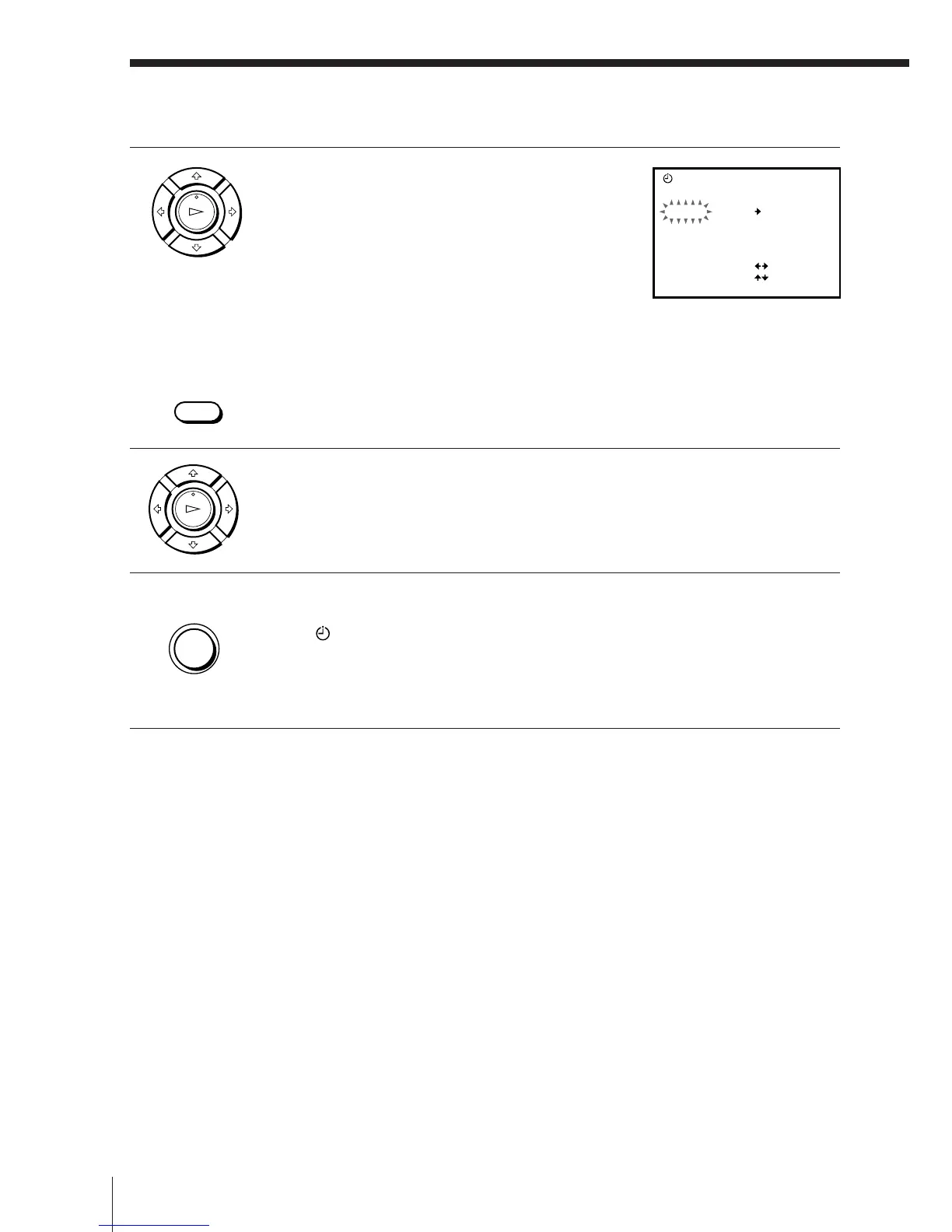
2 Set the date, programme position, start
and stop times, and tape speed:
1 Press / to flash each item in turn.
2 Press >/. to set each item.
To correct a setting, press ? to return to
that setting and reset.
• To record the same programme every day or the same day every
week, see “Daily/weekly recording” on page 29.
• To record from a decoder or other source connected to the LINE-1
(TV) or LINE 2 IN VIDEO/AUDIO L/R jacks, press INPUT
SELECT to display “L1” or “L2” in the “PROG” position.
3 Press OK to complete the setting.
4 Press ON/STANDBY to turn off the VCR.
The
indicator appears in the display window and the VCR
stands by for recording.
To record from a decoder or other source, leave the connected
equipment switched on.
OK
PLAY
OK
PLAY
INPUT
SELECT
DATE
SP
TIMER
PROG
TODAY ––
SP / LP
SELECT
SET
OK
:
:
:OK
WE21.9
TIME
–:–– –:––
• ON/
STANDBY



 To Next Page