EasyManua.ls Logo

Sony STR-DB930 - Receiving Broadcasts; Direct Tuning Method; Automatic Tuning Method; Preset Tuning Method

Sony STR-DB930
58 pages
Print Icon
To Next Page IconTo Next Page
To Previous Page IconTo Previous Page
Loading...
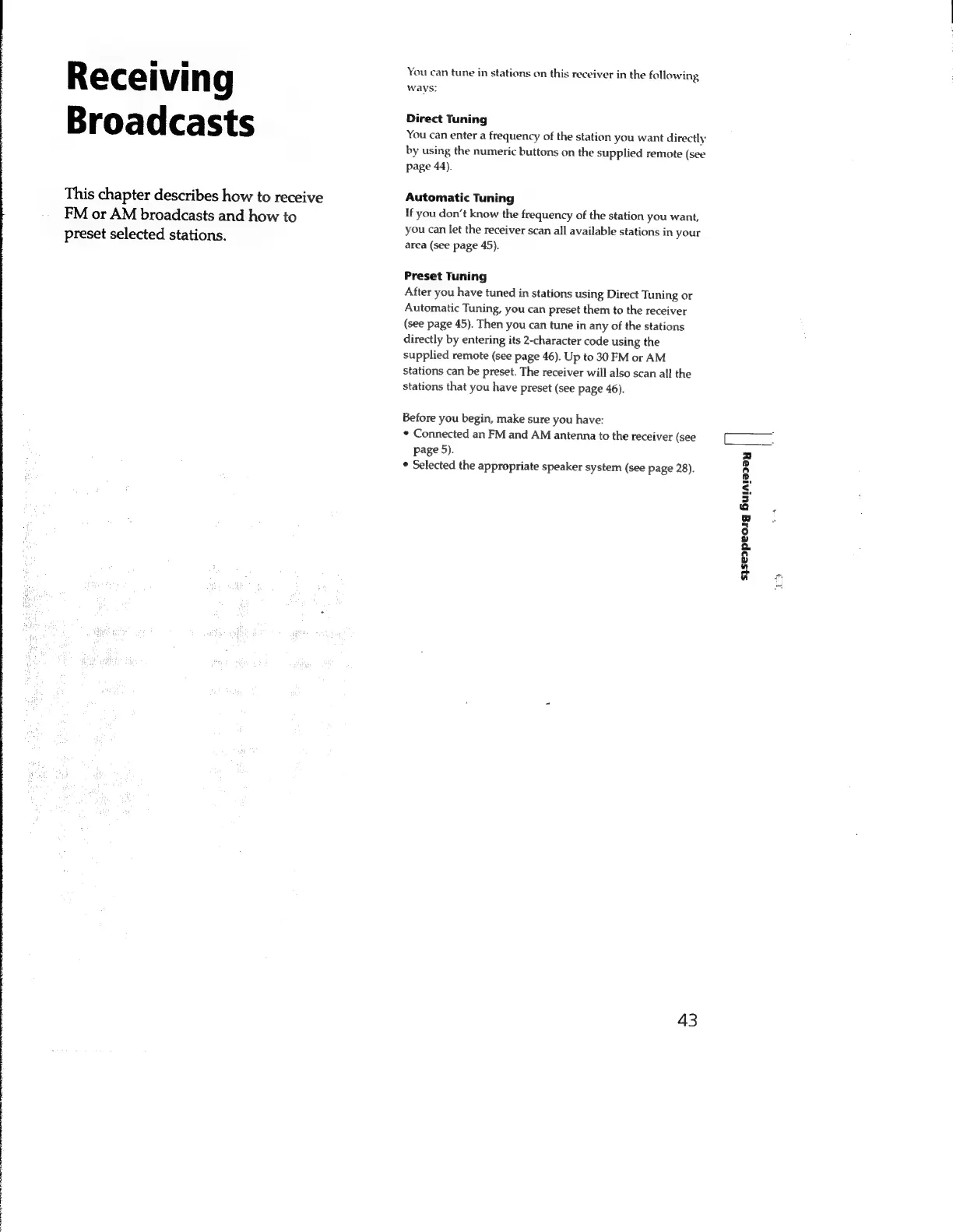
Receiving
Broadcasts
This
chapter
describes
how
to
receive
FM
or
AM
broadcasts
and
how
to
preset
selected
stations.
You
can
tune
in
stations
on
this
receiver
in
the
following
wavs:
Direct
Tuning
You
can
enter
a
frequency
of
the
station
you
want
directly
by
using
the
numeric
buttons
on
the
supplied
remote
(see
page
44).
Automatic
Tuning
If
you
don’t
know
the
frequency
of
the
station
you
want,
you
can
let
the
receiver
scan
all
available
stations
in
your
area
(see
page
45).
Preset
Tuning
After
you
have
tuned
in
stations
using
Direct
Tuning
or
Automatic
Tuning,
you
can
preset
them
to
the
receiver
(see
page
45).
Then
you
can
tune
in
any
of
the
stations
directly
by
entering
its
2-character
code
using
the
supplied
remote
(see
page
46).
Up
to
30
FM
or
AM
stations
can
be
preset.
The
receiver
will
also
scan
all
the
stations
that
you
have
preset
(see
page
46).
Before
you
begin,
make
sure
you
have:
Connected
an
FM
and
AM
antenna
to
the
receiver
(see
page
5).
Selected
the
appropriate
speaker
system
(see
page
28).
43
s}se2peoig
биләзәу

Related product manuals