40
GB
6 Press V/v repeatedly to select
“4 ohm” or “8 ohm” depending
on the speakers you are using,
then press to enter the
selection.
7 Press MENU to exit the menu.
Notes
• If you are not sure of the impedances of the
speakers, refer to the operating instructions
supplied with your speakers. (This information is
often on the back of the speaker.)
• When you connect all speakers with a nominal
impedance of 8 ohms or higher, set “SP.
IMPEDANCE” to “8 ohm.” When connecting
other types of speakers, set it to “4 ohm.”
• When you connect front speakers to both the
SPEAKER A and B terminals, connect the
speakers with a nominal impedance of 8 ohms or
higher.
– When you connect speakers with impedance of
16 ohms or higher in both “A” and “B”
configuration:
Set “SP. IMPEDANCE” to “8 ohm” in the
System Settings menu.
– For other types of speakers in other
configurations:
Set “SP. IMPEDANCE” to “4 ohm” in the
System Settings menu.
You can select the front speakers you want to
drive.
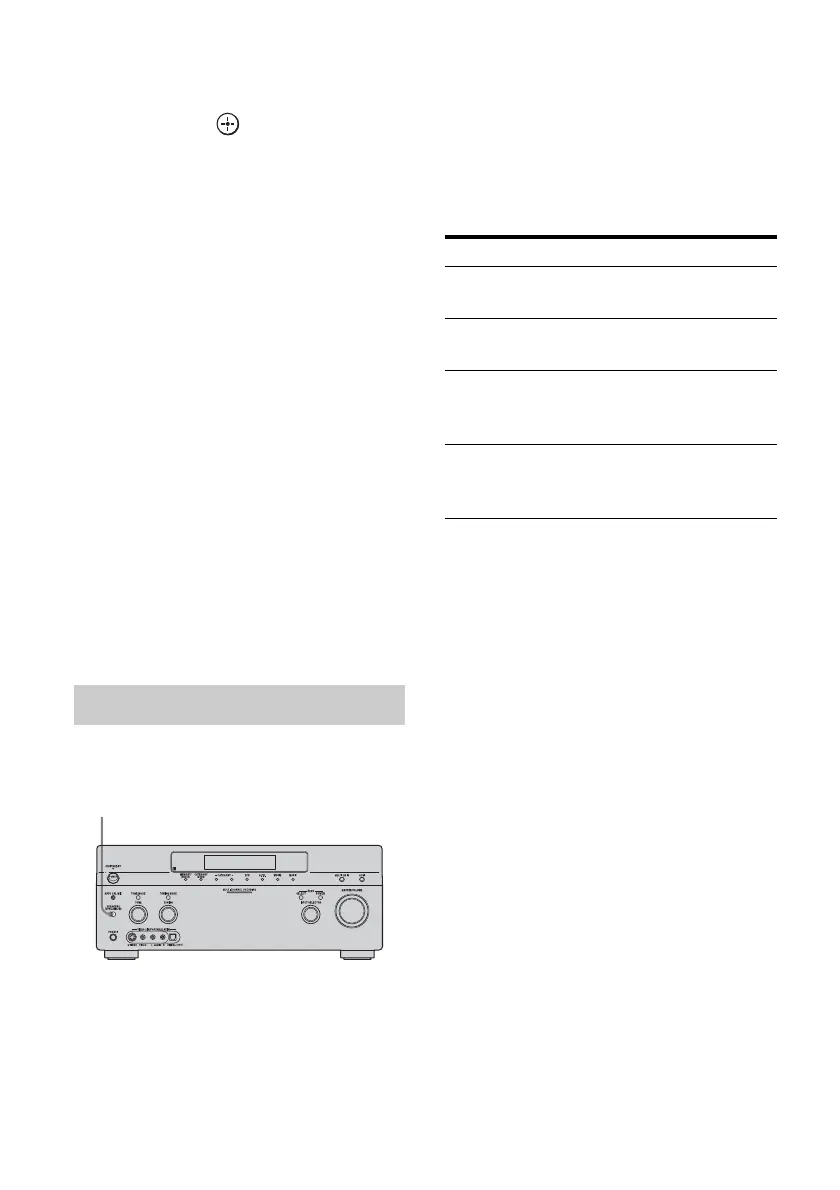
Press SPEAKERS (OFF/A/B/A+B)
repeatedly to select the front
speaker system you want to drive.
Note
You cannot switch the front speakers by pressing
SPEAKER (OFF/A/B/A+B) when the headphones
are connected to the receiver.
Selecting the front speaker
SPEAKERS (OFF/A/B/A+B)
Set to To select
A The speakers connected to the
FRONT SPEAKERS A terminals.
B The speakers connected to the
FRONT SPEAKERS B terminals.
A+B The speakers connected to both the
FRONT SPEAKERS A and B
terminals (parallel connection).
OFF No audio signals are output from
any speaker terminals, or the PRE
OUT terminal.



 To Next Page