80
GB
Listening to FM/AM radio
You can listen to FM and AM broadcasts
through the built-in tuner. Before operation,
make sure you have connected the FM and AM
antennas (aerials) to the receiver (page 36).
Tip
The tuning scale for direct tuning is shown below.
• FM band 100 kHz
• AM band 10 kHz*
* The AM tuning scale can be changed (page 120).
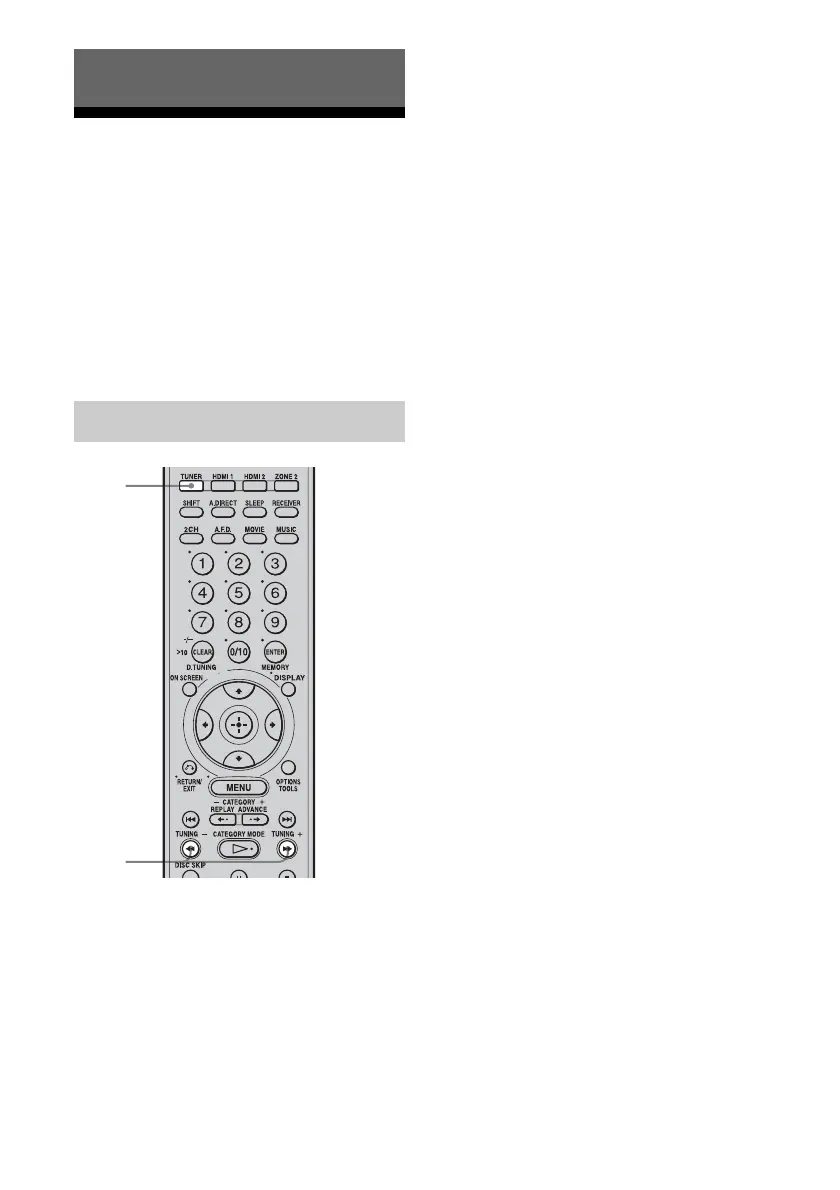
1 Press TUNER repeatedly to
select the FM or AM band.
2 Press TUNING +/–.
Press TUNING + to scan from low to
high, press TUNING – to scan from high
to low.
The receiver stops scanning whenever a
station is received.
In case of poor FM stereo
reception
If the FM stereo reception is poor and
“STEREO” flashes on the display, select
monaural audio so that the sound will be less
distorted.
Select “MONO” in “FM MODE” selection in
the Tuner Settings menu (page 63).
Tuner Operations
Automatic tuning
2
1



 To Next Page