65
US
D:\CANNES\SONY_HA\JOB 2007\STR-DG910\IM_910_US\STR-DG910_data\GB04AMP_STR-
DG910-UC.fm
masterpage: Right
STR-DG910
3-094-430-11 (1)
Enjoying Surround Sound
Using only the front
speakers
(2CH STEREO)
In this mode, the receiver outputs the sound
from the front left/right speakers only. There is
no sound from the sub woofer.
Standard 2 channel stereo sources completely
bypass the sound field processing and multi
channel surround formats are downmixed to 2
channel.
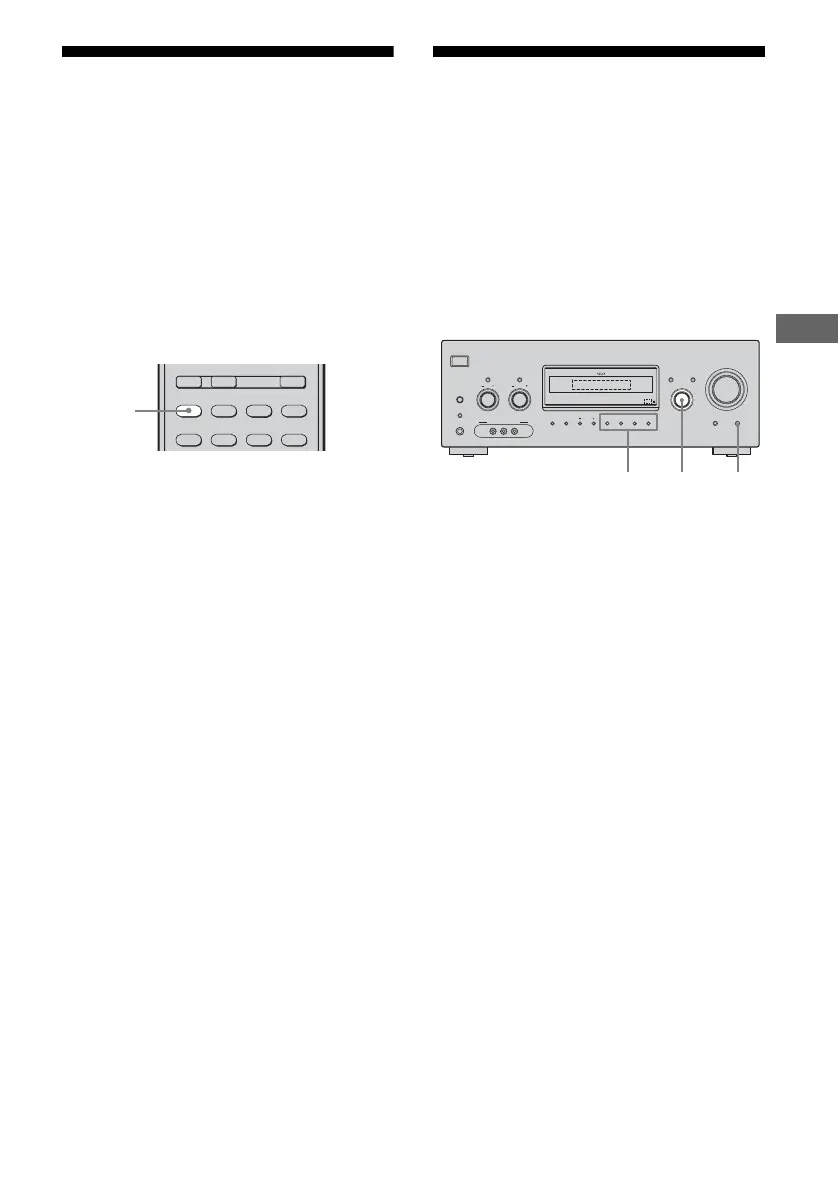
Press 2CH.
Note
No sound is output from the sub woofer in the 2CH
STEREO mode. To listen to 2 channel stereo
sources using the front left/right speakers and a sub
woofer, select “A.F.D. AUTO” (page 61).
Listening to the sound
without any adjustment
(ANALOG DIRECT)
You can switch the audio of the selected input
to 2 channel analog input. This function
enables you to enjoy high quality analog
sources.
When using this function, only the volume and
front speaker balance can be adjusted.
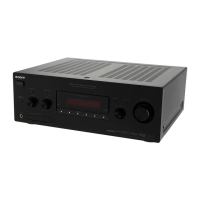
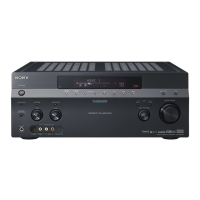
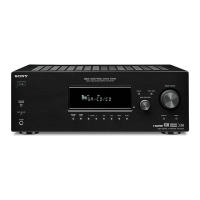
1 Turn INPUT SELECTOR on the
receiver to select the input you
want to listen to in analog
audio.
You can also use the input buttons on the
remote.
2 Press DIRECT on the receiver.
“A. DIRECT” appears on the display.
The analog audio is output.
To cancel ANALOG DIRECT
Press DIRECT on the receiver again.
You can also press any sound field buttons.
Notes
• When headphones are connected, “HP DIR”
appears on the display.
• This function is not available when DMPORT
input is selected.
2CH A.F.D. MOVIE MUSIC
SLEEP
CATEGORY
MODE
D.TUNING
AUX DMPORT RECEIVER
AUTO CAL
2CH
?/1
AUTO CAL MIC
SPEAKERS
(OFF/A/B/A+B)
PHONES
VIDEO 3 IN/PORTABLE AV IN
VIDEO L AUDIO R
MEMORY/
ENTER
CATEGORY
MODE 2CH A.F.D. MOVIE MUSIC
AUTO CA L DIRE CT
DISPLAY
TUNING MODE
MULTI CHANNEL DECODING
INPUT MODE
INPUT SELECTOR
MASTER VOLUME
TONE MODE
TUNINGTONE
CATEGORY
1
2
Sound field
buttons










 To Next Page