74
US
D:\CANNES\SONY_HA\JOB 2007\STR-DG910\IM_910_US\STR-DG910_data\GB05TUN_STR-
DG910-UC.fm
masterpage: Left
STR-DG910
3-094-430-11 (1)
3 Press CATEGORY + or
CATEGORY – to select the
category you want.
The category is selected and the channel
with the lowest number in the specified
category is selected.
4 Press TUNING + or TUNING – to
select the channel.
You can also press TUNING MODE on
the receiver to select “AUTO T.”, and
then turn TUNING +/– to select the
channel.
Notes
• When you select a channel in the “ONE CAT”
mode, the channel you selected may not be the one
in the category you want. This is because one
channel may belong to more than one category.
• If you press CATEGORY + or CATEGORY – in
the “ALL CAT” mode, the first channel of the next
or previous category is selected (CATEGORY
SKIP).
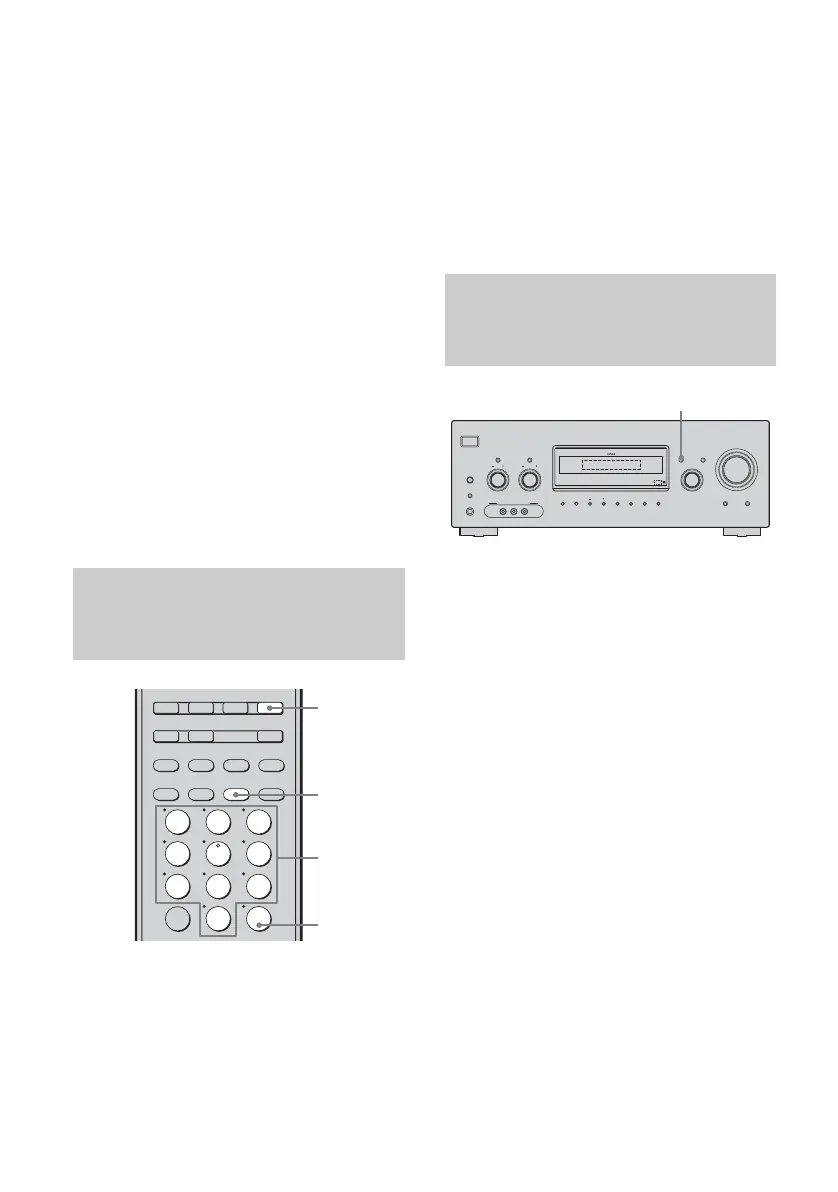
1 Press TUNER repeatedly to
select “XM RADIO”.
You can also use INPUT SELECTOR on
the receiver.
2 Press D.TUNING.
3 Press the numeric buttons to
enter the channel number.
4 Press ENTER.
You can also use MEMORY/ENTER on
the receiver.
The selected channel is tune in.
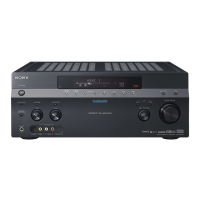
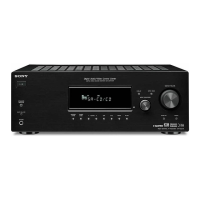
Press DISPLAY on the receiver
repeatedly.
Each time you press DISPLAY while tuning in
the channel, the display changes cyclically as
follows;
Channel name t Channel number t
Category name t Artist name/Feature t
Song/Program title t Sound field type
Note
When the message consists of 9 characters or more,
the message scrolls across the display.
Tip
The preset number is always displayed at the right
end of the display.
Selecting channels by inputting
the channel number directly
(DIRECT TUNING)
SAT TV TUNER
2CH A.F.D. MOVIE MUSIC
SA-CD/CD
AUX DMPORT RECEIVER
MEMORY
CLEAR
>10
-
/
--
23
456
789
ENTER
0/10
1
AUTO CAL
CATEGORY
MODE
D.TUNING
SLEEP
2
3
4
1
Displaying the XM-RADIO
information on the front panel
display
?/1
AUTO CAL MIC
SPEAKERS
(OFF/A/B/A+B)
PHONES
VIDEO 3 IN/PORTABLE AV IN
VIDEO L AUDIO R
MEMORY/
ENTER
CATEGORY
MODE A.F.D. MOVIE MUSIC
AUTO CAL DIRECT
DISPLAY
TUNING MODE
MULTI CHANNEL DECODING
INPUT MODE
INPUT SELECTOR
MASTER VOLUME
TONE MODE
TUNINGTONE
CATEGORY
2CH
DISPLAY









 To Next Page