73
US
D:\CANNES\SONY_HA\JOB 2007\STR-DG910\IM_910_US\STR-DG910_data\GB05TUN_STR-
DG910-UC.fm
masterpage: Right
STR-DG910
3-094-430-11 (1)
Tuner Operations
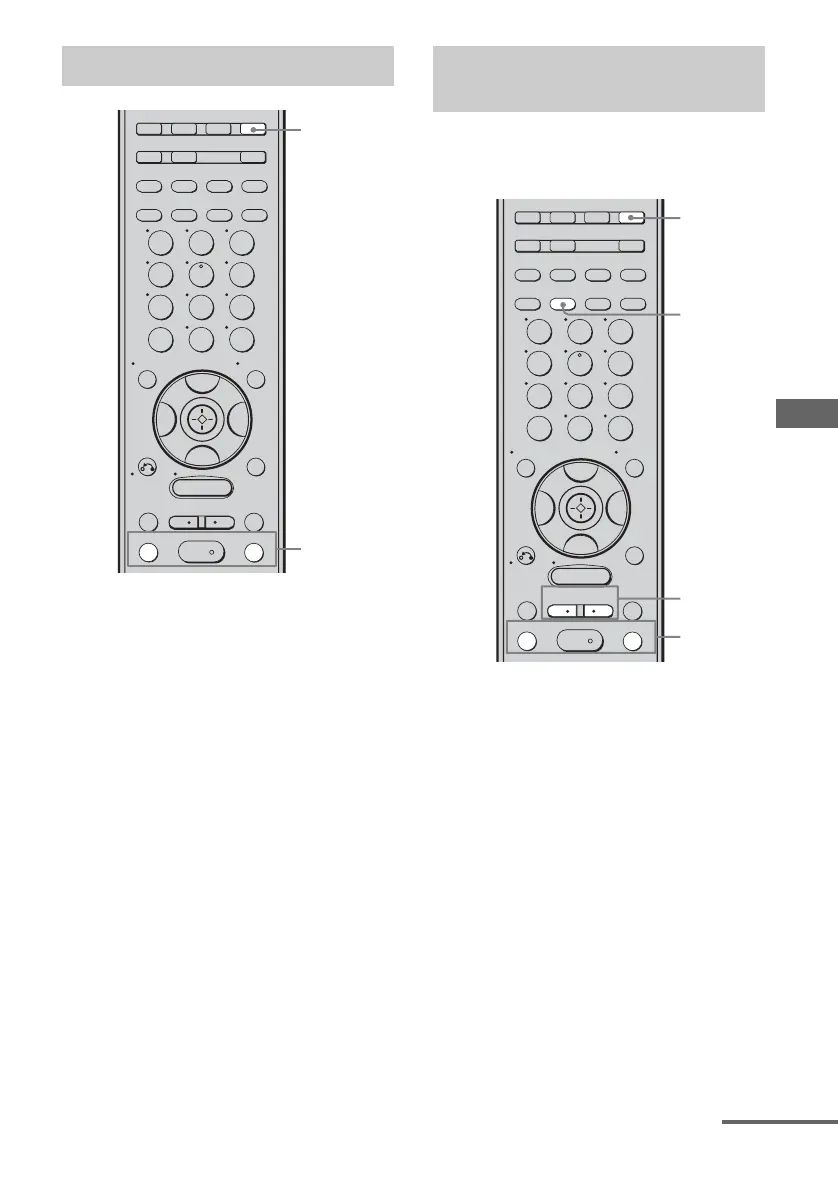
1 Press TUNER repeatedly to
select “XM RADIO”.
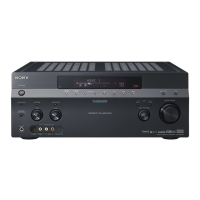
You can also use INPUT SELECTOR on
the receiver.
2 Press TUNING + or TUNING – to
select a channel.
You can also press TUNING MODE on
the receiver to select “AUTO T.”, and
then turn TUNING +/– to select a
channel.
You can select a channel from one category or
all the categories by changing the category
mode.
1 Press TUNER repeatedly to
select “XM RADIO”.
You can also use INPUT SELECTOR on
the receiver.
2 Press CATEGORY MODE
repeatedly to select the “ONE
CAT”.
• ALL CAT : You can select a channel from all
categories. The initial setting is “ALL CAT”.
• ONE CAT : You can select a channel from
one category. “CAT” lights up on the display
when “ONE CAT” is selected.
Receiving XM Radio broadcasts
TUNING –
GUIDE DISPLAY
RETURN/
EXIT
SAT TV TUNER
2CH A.F.D. MOVIE MUSIC
SA-CD/CD
AUX DMPORT RECEIVER
MEMORY
.
>
m
M
MENU
H
CLEAR
>10
-
/
--
<
<
23
456
789
ENTER
0/10
1
AUTO CAL
B
V
v
B
CATEGORY
MODE
D.TUNING
SLEEP
REPLAY ADVANCE
–
CATEGORY
+
OPTIONS
TOOLS
TUNING +
DISC SKIP
1
2
Selecting channels from a
category (CATEGORY TUNING)
TUNING –
GUIDE DISPLAY
RETURN/
EXIT
SAT TV TUNER
2CH A.F.D. MOVIE MUSIC
SA-CD/CD
AUX DMPORT RECEIVER
MEMORY
.
>
m
M
MENU
H
CLEAR
>10
-
/
--
<
<
23
456
789
ENTER
0/10
1
AUTO CAL
B
V
v
B
CATEGORY
MODE
D.TUNING
SLEEP
REPLAY ADVANCE
–
CATEGORY
+
OPTIONS
TOOLS
TUNING +
DISC SKIP
1
3
4
2
continued










 To Next Page