71
US
D:\CANNES\SONY_HA\JOB 2007\STR-DG910\IM_910_US\STR-DG910_data\GB05TUN_STR-
DG910-UC.fm
masterpage: Right
STR-DG910
3-094-430-11 (1)
Tuner Operations
To Activate XM Satellite Radio
Once you have installed the XM Mini-Tuner
Dock, inserted the XM Mini-Tuner, connected
the XM Dock to your XM Ready
®
home audio
system, and installed the antenna, you are
ready to subscribe and begin receiving XM
programming. There are three places to find
your eight character XM Radio ID: on the XM
Mini-Tuner, on the XM Mini-Tuner package,
and on XM Channel 0. Record the Radio ID in
the following eight squares for reference.
ssssssss
Note
The XM Radio ID does not use the letters “I”, “O”,
“S” or “F”. Activate your XM Satellite Radio
service in the U.S. online at http://
activate.xmradio.com or call 1-800-XM-RADIO (1-
800-967-2346). You will need a major credit card.
XM will send a signal from the satellites to activate
the full channel lineup. Activation normally takes 10
to 15 minutes, but during peak busy periods you may
need to keep your XM Ready home audio system on
for up to an hour. When you can access the full
channel lineup on your XM Ready home audio
system you are done. For more information or to
subscribe in Canada, visit XM on the Web at
www.xmradio.ca or call XM’s Listener Care at 1-
877-GET-XMSR (1-877-438-9677).
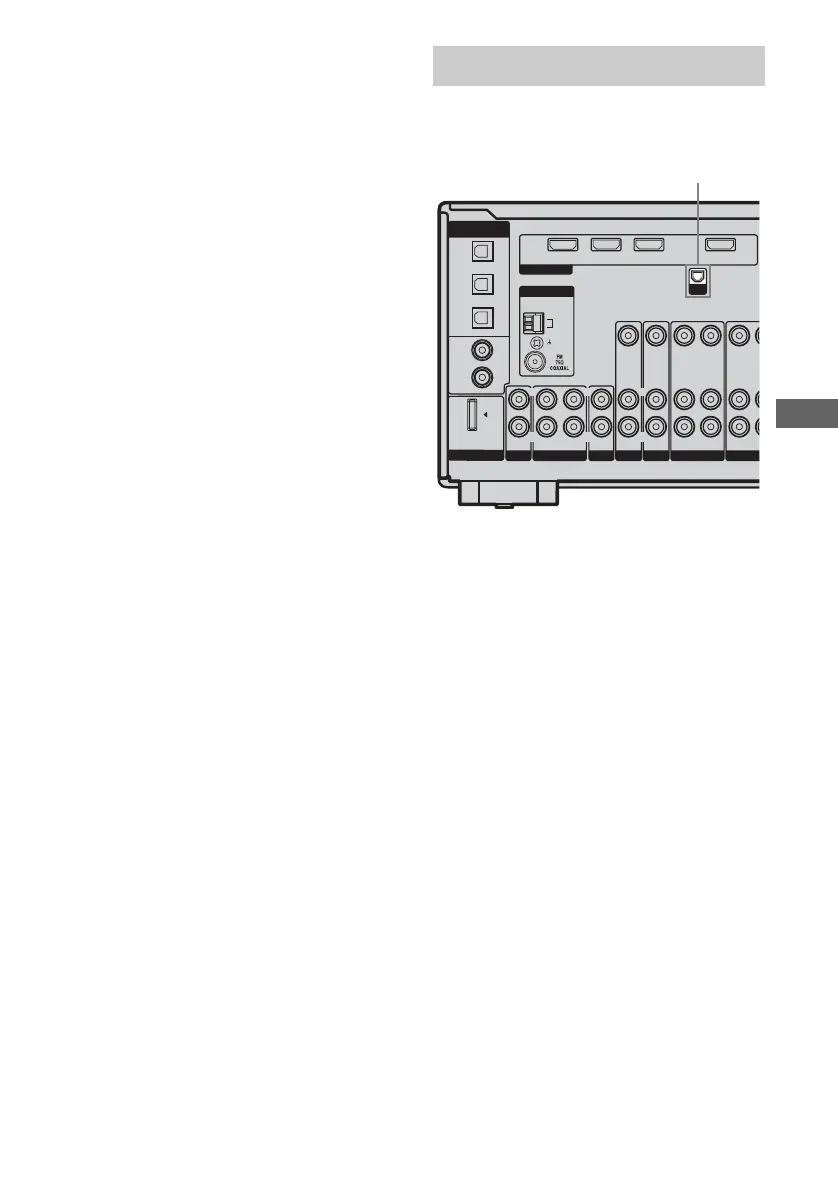
Before operating the receiver, connect the XM
Connect-and-Play antenna to the XM jack.
Note
To ensure optimal reception of XM’s satellite signal,
move your antenna to various window locations
around your home to see where the best reception
will be received. Most XM customers place the
antenna in a south-facing window with a clear view
to the sky.
Connecting the XM Radio
OPTICAL
SAT
IN
VIDEO 2/
BD IN
DVD
IN
SA-CD/
CD/CD-R
IN
COAXIAL
DVD I NSAT IN
VIDEO 2/BD IN
OUT
AM
L
R
OUT IN
IN
VIDEO IN VIDEO IN VIDEO IN
VIDEO OUT
AUDIO OUT
AUDIO IN
AUDIO IN
AUDIO IN
DIGITAL
(ASSIGNABLE)
ANTENNA
DMPORT
VIDEO 1
IN
SA–CD/CD/CD–R
TV
IN
AUX
HDMI
DVD VIDEO 2/BD
L
R
V
VIDEO OUT
AUDIO OUT
A
VIDEO
SAT
XM
L
R
L
R
L
R
XM jack










 To Next Page