EasyManua.ls Logo

Sony TCD-D3 - Supplied Digital Cable Handling

Sony TCD-D3
35 pages
Print Icon
To Next Page IconTo Next Page
To Previous Page IconTo Previous Page
Loading...
¢
Turn
off
the
power
of
the
unit
before
you
connect
the
cable
to
it.
¢
The
minimum
radius
of
the
cable
when
coiled
is
25mm.
¢
Do
not
drop
any
heavy
object
on
the
cable.
¢
To
disconnect
the
cable,
pull
it
out
by
the
plug.
Never
pull
the
cable
itself.
¢
The
optical
plugs
are
designed
to
prevent
connection
to
the
optical
transmission
module
upside
down.
Whenever
you
plug
them
in,
make
sure
they
are
right
side
up.
©
Keep
the
surface
of
the
terminals
of
the
connectors
clean.
When
they
become
soiled,
wipe
them
gently
with
clean
tissue
or
cotton,
moistened
with
ethyl
alcohol.
Do
not
use
any
other
type
of
solvent
except
ethyl
alcohol.
(Sony
KK-9
cleaning
kit
is
available.)
¢
Remove
the
caps
of
the
rectangular-shaped,
optical
input/output
connectors
when
you
use
the
cable.
©
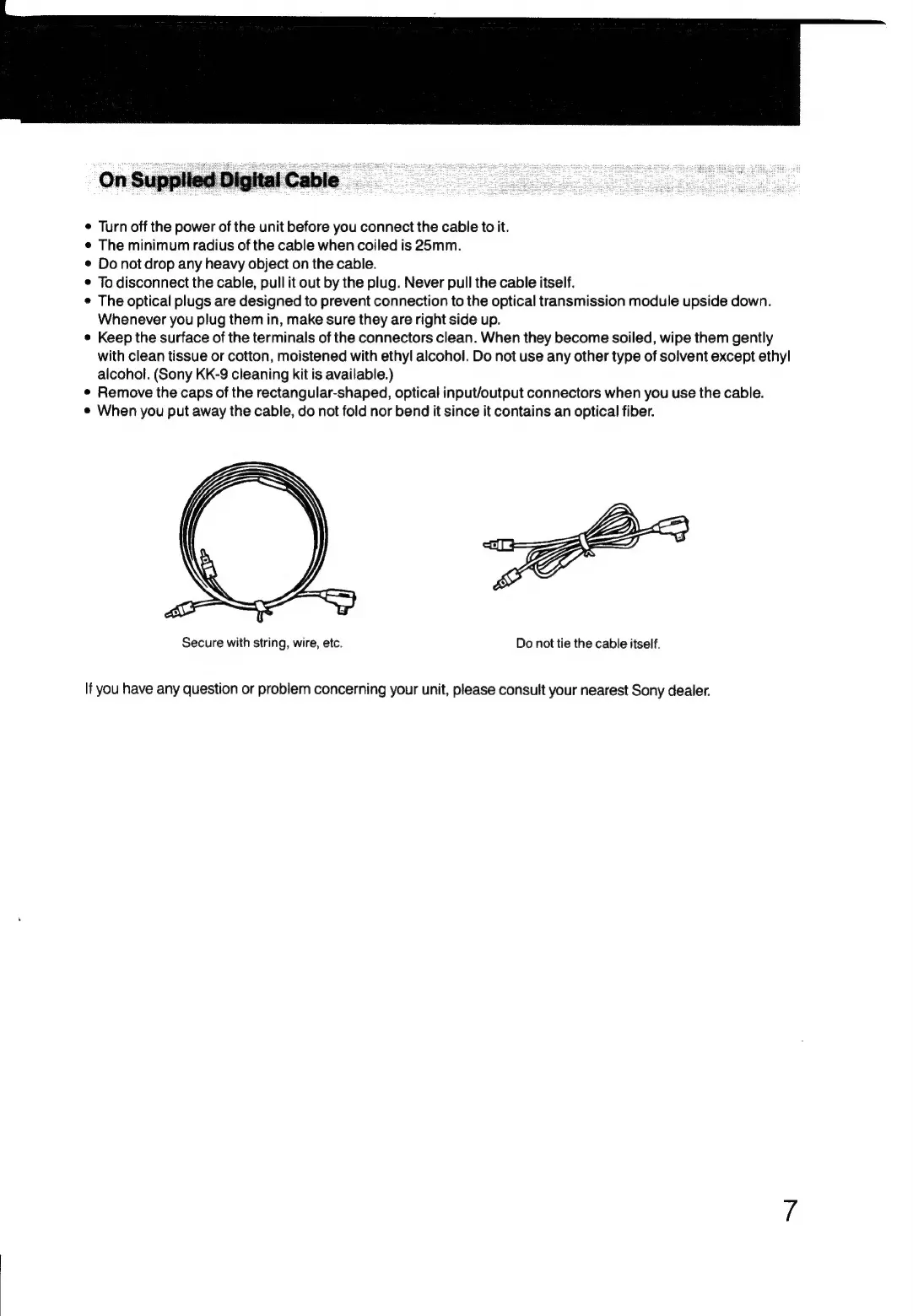
When
you
put
away
the
cable,
do
not
fold
nor
bend
it
since
it
contains
an
optical
fiber.
Secure
with
string,
wire,
etc.
Do
not
tie
the
cable
itself.
If
you
have
any
question
or
problem
concerning
your
unit,
please
consult
your
nearest
Sony
dealer.

Related product manuals