Operations
-EN
15
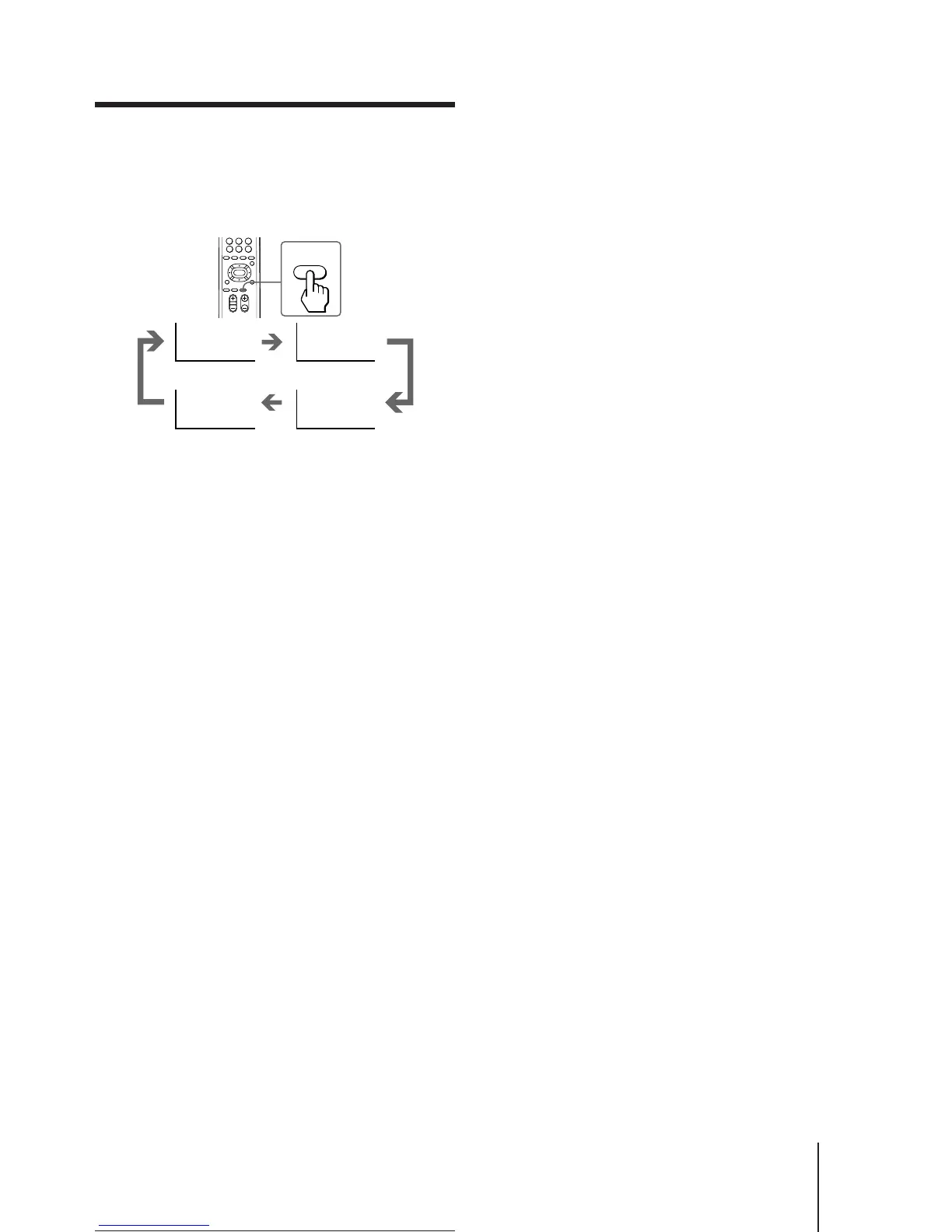
Setting the Sleep Timer
You can set the TV to turn off automatically after the
period of time you want.
Press SLEEP.
To cancel the Sleep Timer, press SLEEP repeatedly
until “SLEEP TIMER: OFF” appears, or turn the TV off.
After 30 minutes After 60 minutes
No Sleep Timer
After 90 minutes
SLEEP
TEXT CLR
SLEEP TIMER:30M SLEEP TIMER:60M
SLEEP TIMER:OFF SLEEP TIMER:90M






 To Next Page