10
Transmitter Settings
• Do the automatic detection and selection
of available channels with the channel
group other than channel group 00.
• When there are unavailable channels due
to extraneous radio wave and the channel
could not be selected on some tuner
modules, “NO CH” appears on the
display of those tuner modules. If this
happens, select the channel group with no
interference from extraneous radio wave,
and repeat the procedure above.
Transmitter
Settings
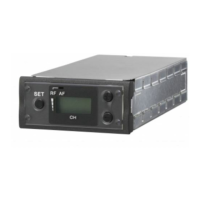
When using the URX-M2 in conjunction
with the UTX-M03, be sure to configure the
settings on the UTX-M03.
For details on the channel groups and channels that
can be used during use with this unit, refer to the
Frequency List on the CD-ROM supplied with the
unit.
Selecting the frequency band
(BAND) (CE38 models only)
1 Press and hold the SET button, and
press the POWER/MUTING button to
turn the power on.
2 Use the + or – button to display
BAND.
3 Press and hold the SET button for
1 second or longer.
4 Use the + or – button to select the
transmission frequency band.
5 Press the SET button to confirm the
setting.
Notes


 To Next Page