24
nN
Getting Started
Using the Battery Pack
The battery pack supplied with your computer is not fully charged at the time of purchase.
Installing the Battery Pack
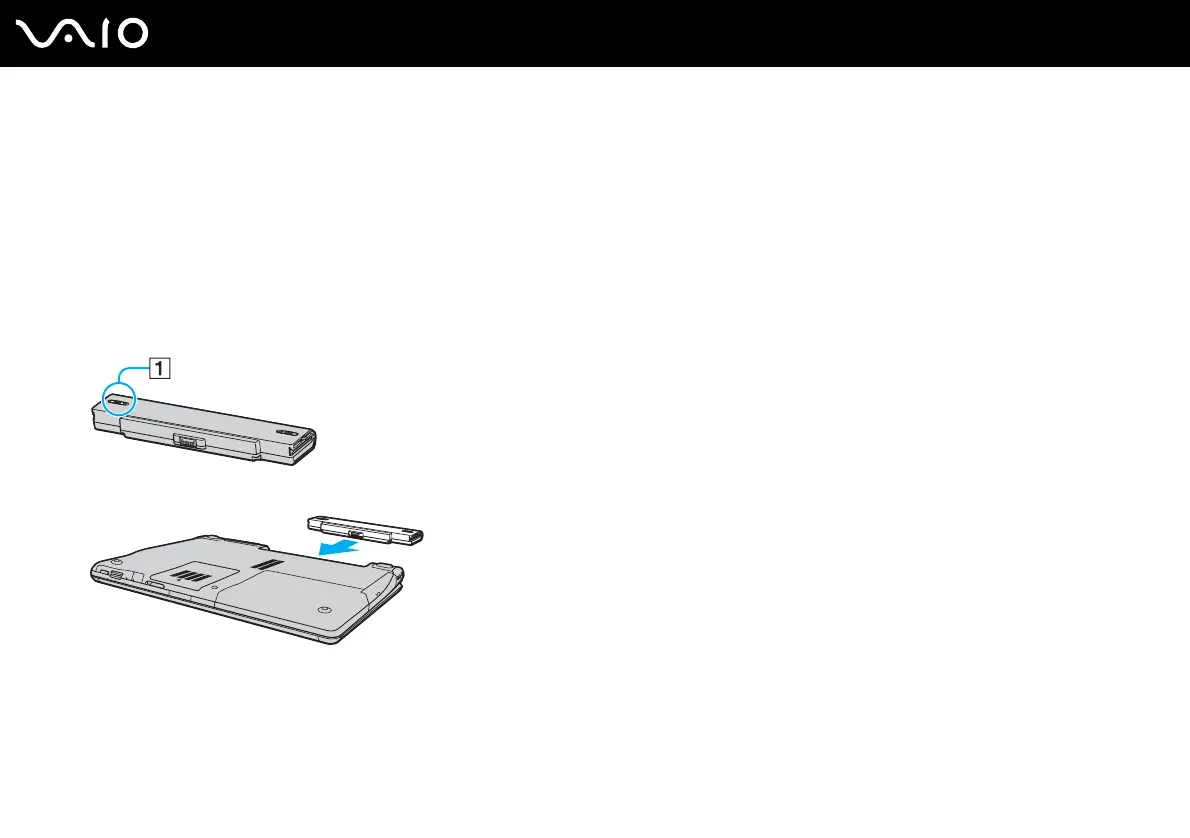
To install the battery pack
1 Turn off the computer and close the LCD screen lid.
2 Slide the battery lock switch (1) inward.
3 Slide the battery pack into the battery compartment until it clicks into place.
4 Slide the battery lock switch (1) to the LOCK position to secure the battery pack on the computer.



 To Next Page