98
nN
Using Peripheral Devices
Connecting a USB Floppy Disk Drive
You can purchase a USB floppy disk drive and connect it to your computer.
To connect a USB floppy disk drive
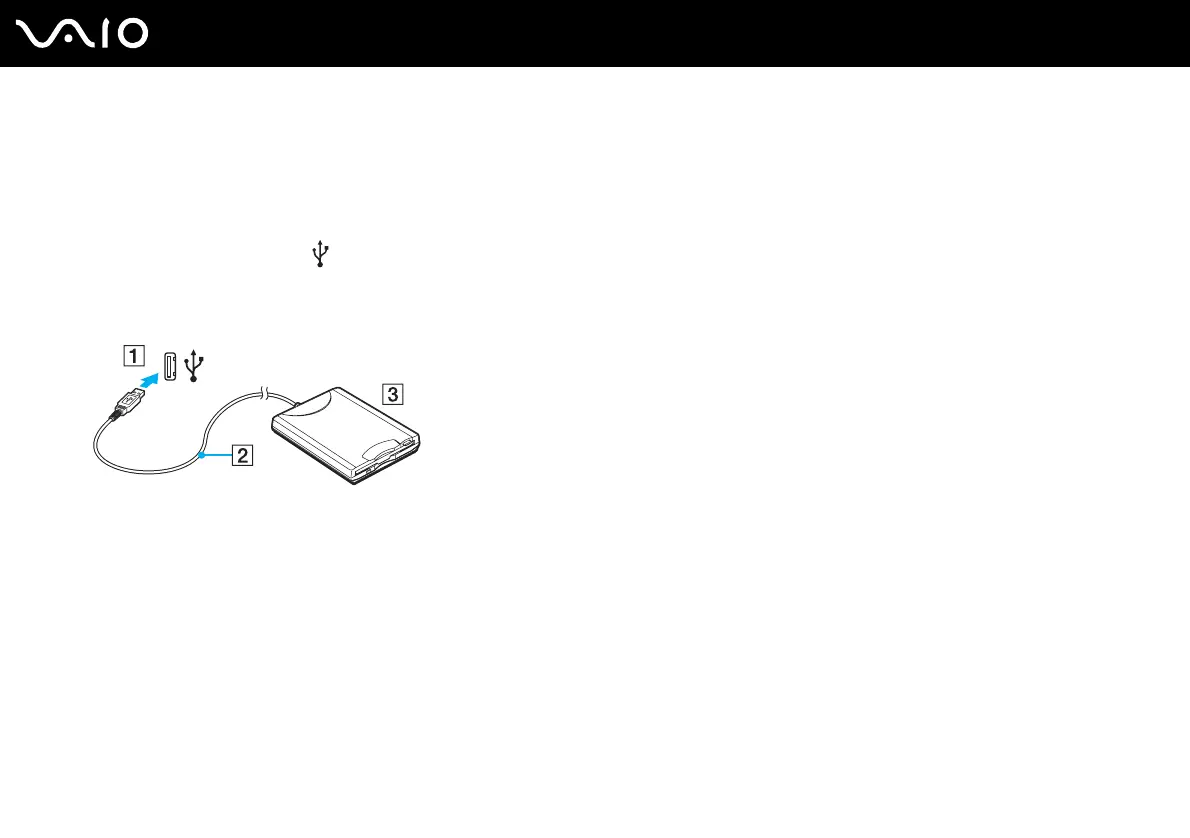
1 Choose the USB port (1) you prefer to use.
2 Plug the USB floppy disk drive cable (2) into the USB port.
Your USB floppy disk drive (3) is now ready for use.
!
When using a USB floppy disk drive, do not apply force on the USB port. This may cause a malfunction.



 To Next Page