88
nN
Using Peripheral Devices
Connecting a Computer Display
You can connect a computer display (monitor) to your computer.
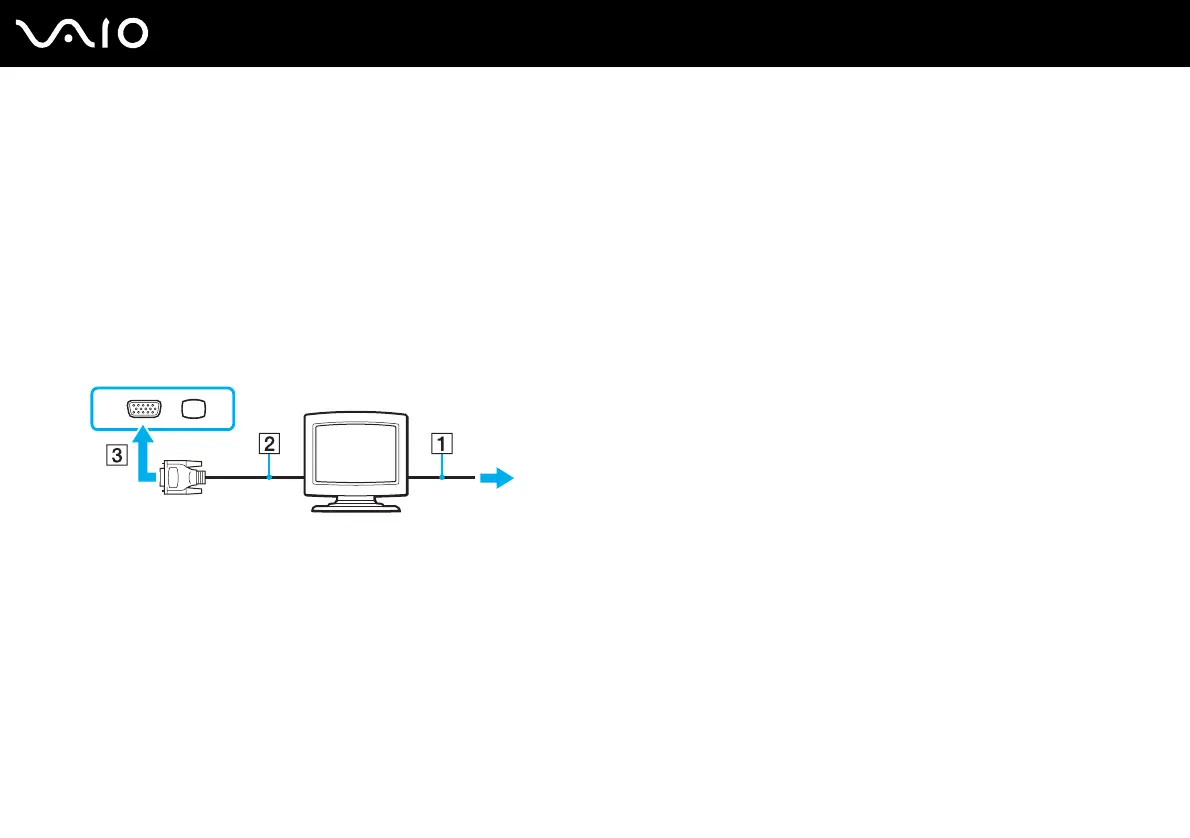
To connect a computer display
1 If necessary, plug one end of the display's power cord (1) into your display, and the other end into an AC outlet.
2 If you want to connect a VGA monitor, plug the display cable (2) (not supplied) into the monitor (VGA) port (3) a on the
computer.
3 If you want to connect a TFT/DVI monitor, use an HDMI cable (not supplied) and an HDMI to DVI-D adapter (not supplied)
to connect the TFT/DVI monitor to the HDMI port on your computer.
✍
DVI-D stands for Digital Visual Interface - Digital. It is a type of DVI connector that supports only digital video signals (no analog video signals). It has
24 pins.
A DVI-I (Digital Visual Interface - Integrated) connector supports digital video and analog video signals. It has 29 pins.



 To Next Page