53
nN
Using Your VAIO Computer
Using PC Cards
PC Cards allow you to connect portable external devices to your computer.
Inserting a PC Card
!
Some PC Cards or their functions may not be compatible with your computer.
You do not need to shut down your computer before inserting or removing a PC Card.
To insert a PC Card
1 Push the PC Card release button so that the release button pops out.
2 Push the PC Card release button a second time so that the PC Card slot protector pops out.
3 Gently take hold of the protector and pull it out of the slot.
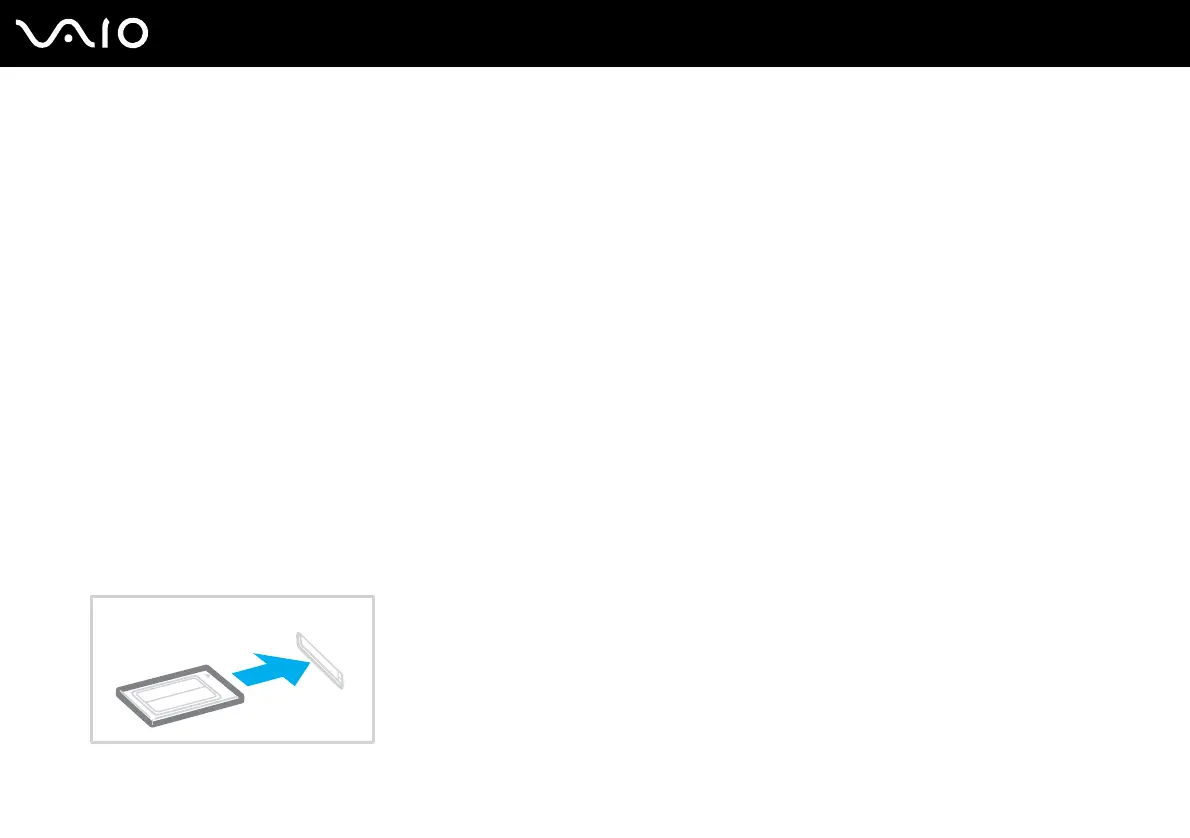
4 Insert the PC Card into the PC Card slot with the front label facing upward.
5 Gently push the PC Card into the slot all the way to the end.
The PC Card is automatically detected by your system.
The Safely Remove Hardware icon appears on the taskbar.



 To Next Page