19
GB
Projecting
Setting Up and Projecting
Projecting
1
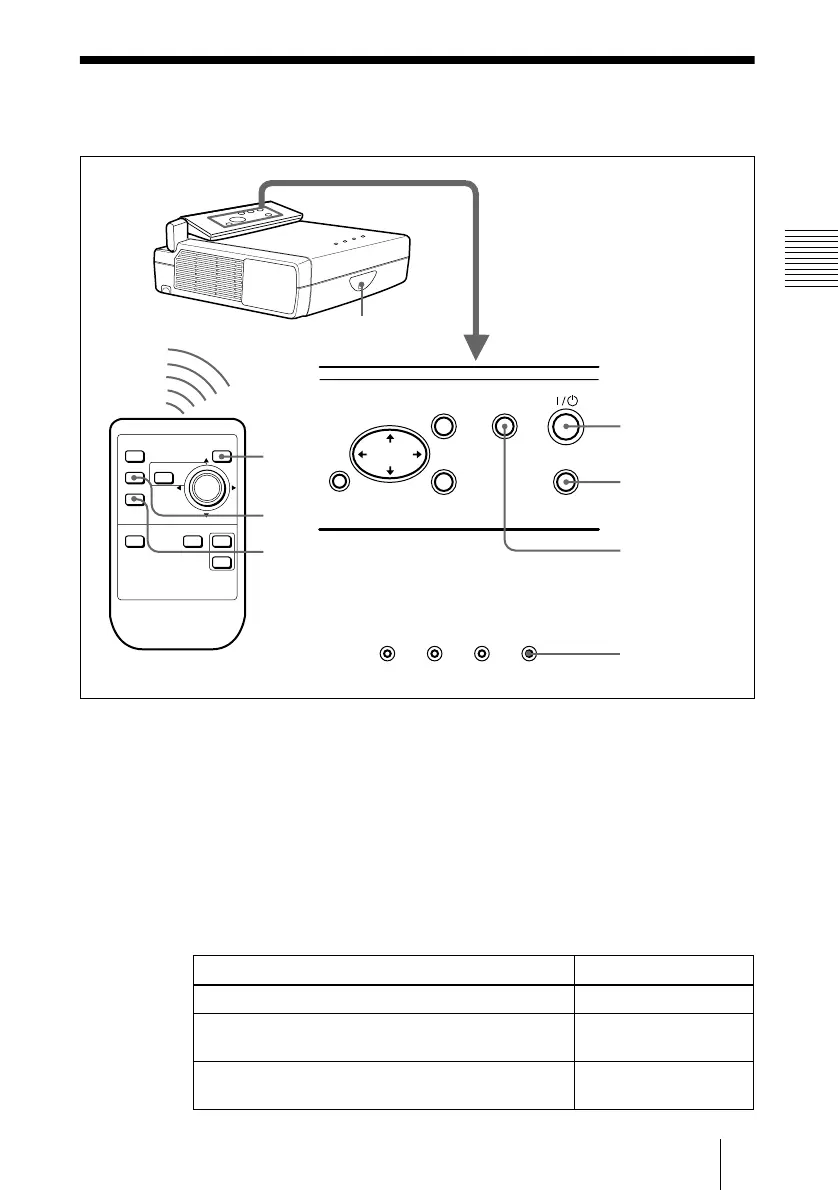
Open the front cover, plug the AC power cord into a wall outlet, then
connect all equipment.
The ON/STANDBY indicator lights in red and the projector goes into
standby mode.
2
Press the I /
1
key.
The ON/STANDBY indicator lights in green.
3
Turn on the equipment connected to the projector.
4
Press the INPUT key to select the input source.
To input from Press INPUT to display
Computer connected to the INPUT A connector INPUT A
Video equipment connected to the VIDEO input
connector
VIDEO
Video equipment connected to the S VIDEO input
connector
S VIDEO
RESET
LAMP/COVER TEMP/FAN POWER SAVING ON/STANDBY
ENTER
MENU APA
INPUT
FREEZE
INPUT
APA
D KEYSTONE
MENU
PUSH
ENTER
RESET
D ZOOM
I / 1
APA
2
4
2
4
APA
ON/STANDBY
indicators
Rear remote control
detector



 To Next Page