GB
28
The INSTALL SETTING Menu
The INSTALL
SETTING Menu
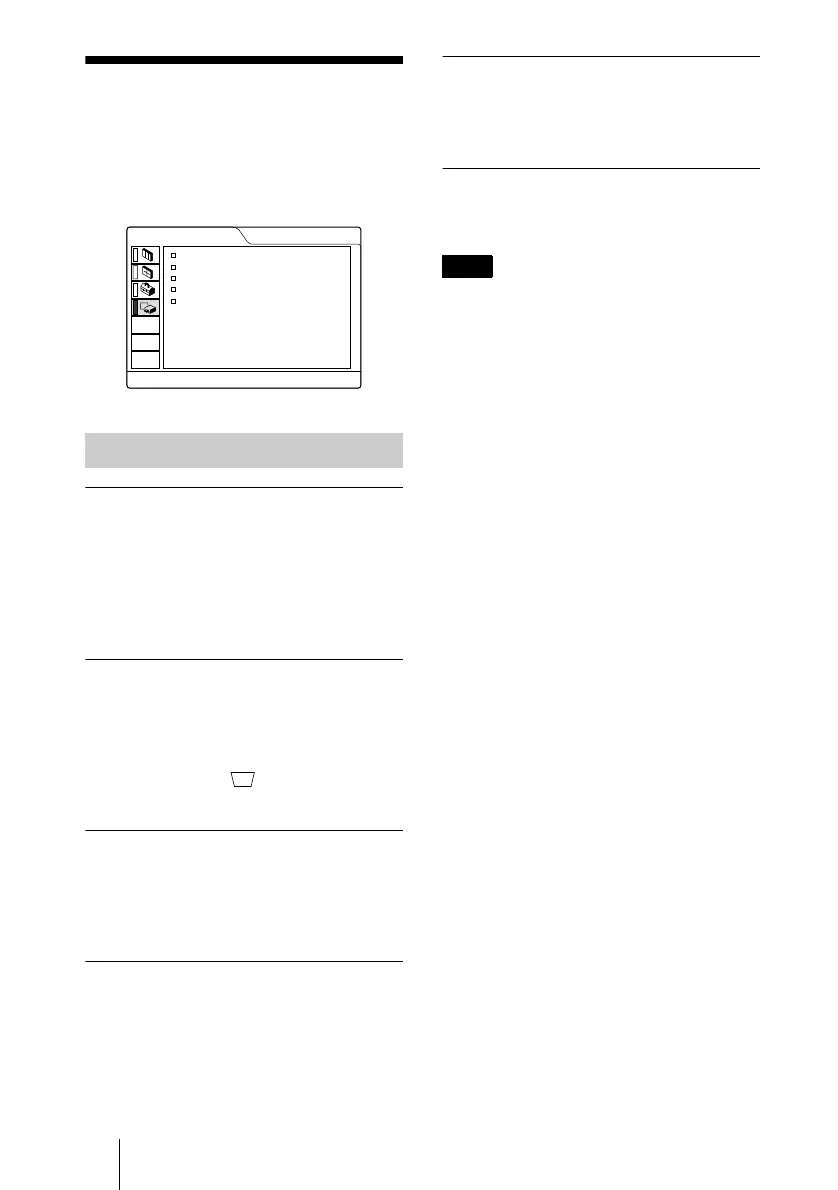
The INSTALL SETTING menu is used for
changing the settings of the projector.
KEYSTONE MEM
ON: DIGIT KEYSTONE setting is stored.
The data is retrieved when the projector
power is turned on. The setting will
remain the same every time.
OFF: DIGIT KEYSTONE is reset to 0 when
the power is turned on next time.
DIGIT KEYSTONE
Corrects the trapezoidal distortion caused by
the projection angle.
When the upside of the trapezoid is longer
than the downside : Sets to a plus
value.
MENU POSITION
Selects the display position of the menu
from TOP LEFT, BOTTOM LEFT,
CENTER, TOP RIGHT and BOTTOM
RIGHT.
MENU COLOR
Selects the tone of the menu display from
STANDARD, WARM, COOL, GREEN or
GRAY.
MENU BACKGRND
Selects the intensity of the background
picture of the menu display from DARK,
STANDARD or LIGHT.
LAMP TIMER
Indicates how long the lamp has been turned
on.
This only displays the time. You cannot alter
the display.
Menu Items
INSTALL SETTING
KEYSTONE MEM
:
DIGIT KEYSTONE
:
MENU POSITION
:
MENU COLOR
:
MENU BACKGRND
:
LAMP TIMER:
INPUT-A
ON
0
CENTER
STANDARD
STANDARD
234H
Note



 To Next Page