45
GB
Troubleshooting
Maintenance
Caution Messages
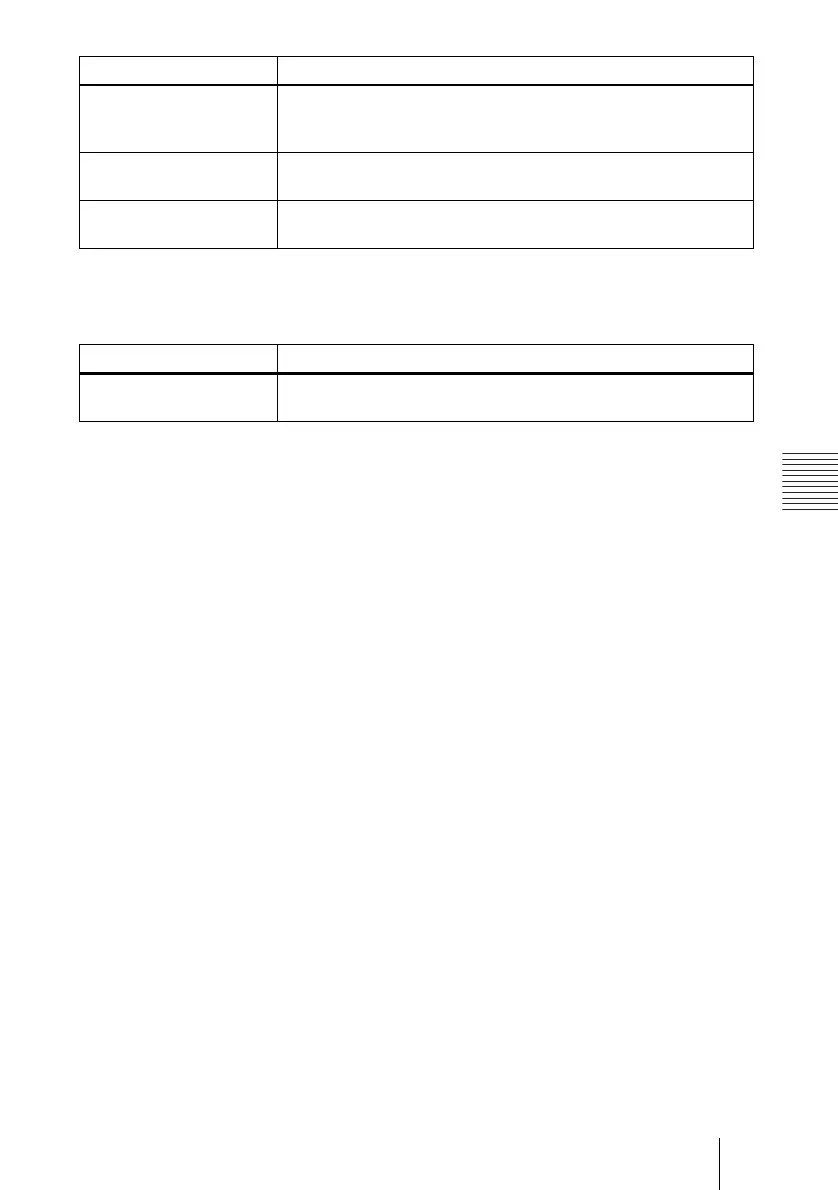
Use the list below to check the meaning of the messages displayed on the screen.
Please check Input-A
Signal Sel.
• You have input RGB signal from the computer when “Input-A
Signal Sel.” in the SET SETTING menu is set to “Component.”
c Set “Input-A Signal Sel.” correctly (see page 36).
Please replace the LAMP. • It is time to replace the lamp.
c Replace the lamp. (see page 39)
Please clean the filter. • It is time to clean the filter.
• Clean the filter. (see page 41)
Message Meaning and Remedy
Not applicable! • You have pressed the wrong key.
c Press the appropriate key.
Message Meaning and Remedy


 To Next Page