30
The MENU SETTING Menu
The MENU SETTING Menu
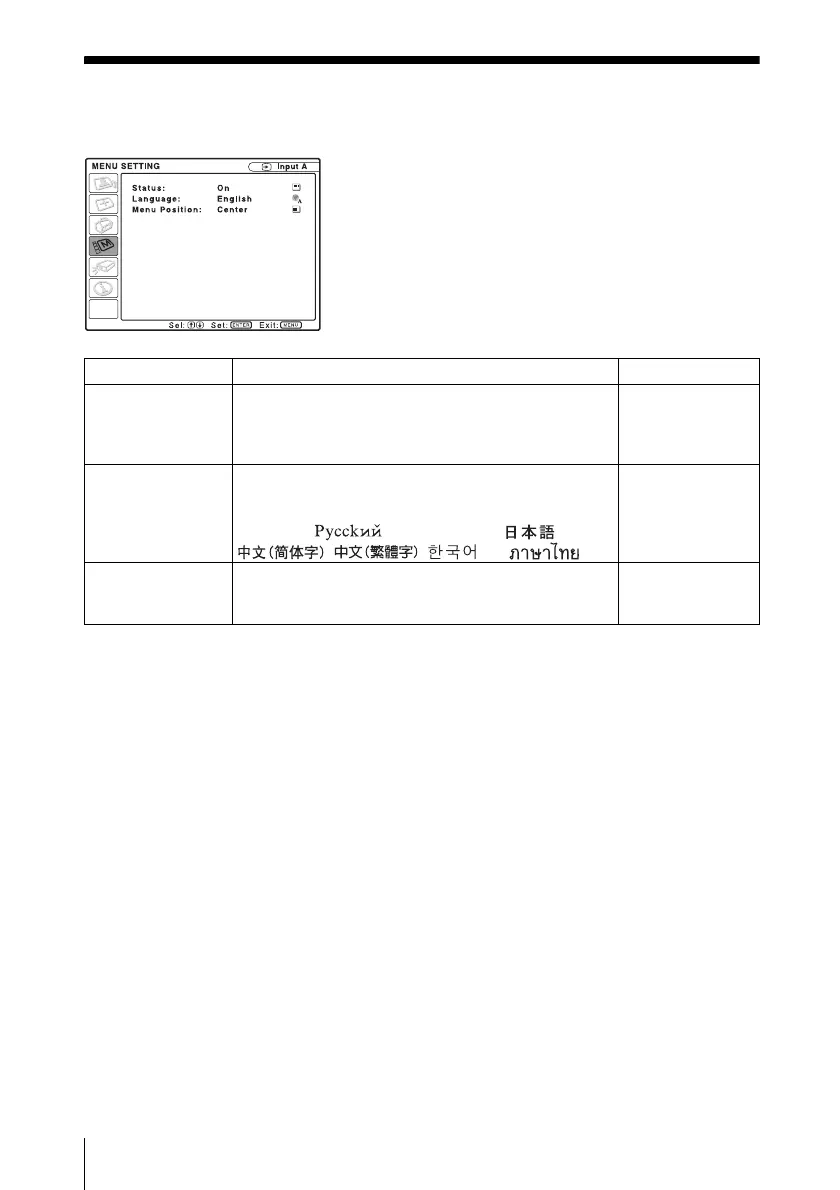
The MENU SETTING menu is used for changing the menu displays.
Setting items Functions Initial setting
Status (on-screen
display)
Sets up the on-screen display.
When set to “Off,” turns off the on-screen displays
except for the menus, a message when the power is
turned off, and warning messages.
On
Language Selects the language used in the menu and on-screen
displays. The languages available are: English,
Nederlands, Français, Italiano, Deutsch, Español,
Português, , Svenska, Norsk, ,
, , and .
English
Menu Position Selects the display position of the menu from “Top
Left,” “Bottom Left,” “Center,” “Top Right,” and
“Bottom Right.”
Center





 To Next Page