41
Troubleshooting
Others
Caution Messages
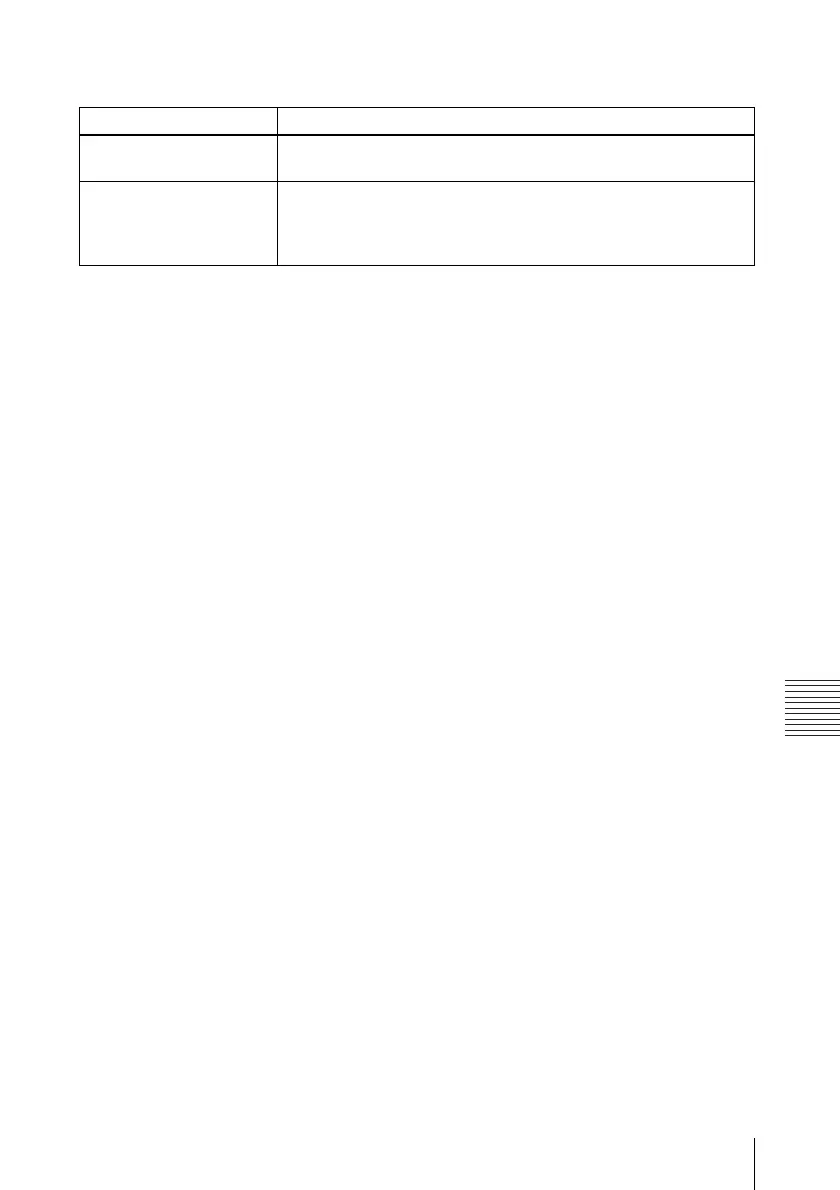
Use the list below to check the meaning of the messages displayed on the screen.
Message Meaning and Remedy
Not applicable! You have pressed the wrong key.
c Press the appropriate key.
The panel keys are locked! “Panel Key Lock” on the SET SETTING menu is set to “On.”
c All the keys on the control panel of the projector are locked.
Operate the projector with the keys on the Remote Commander
(see page 30).



 To Next Page