46
Removing/Attaching the Projection Lens
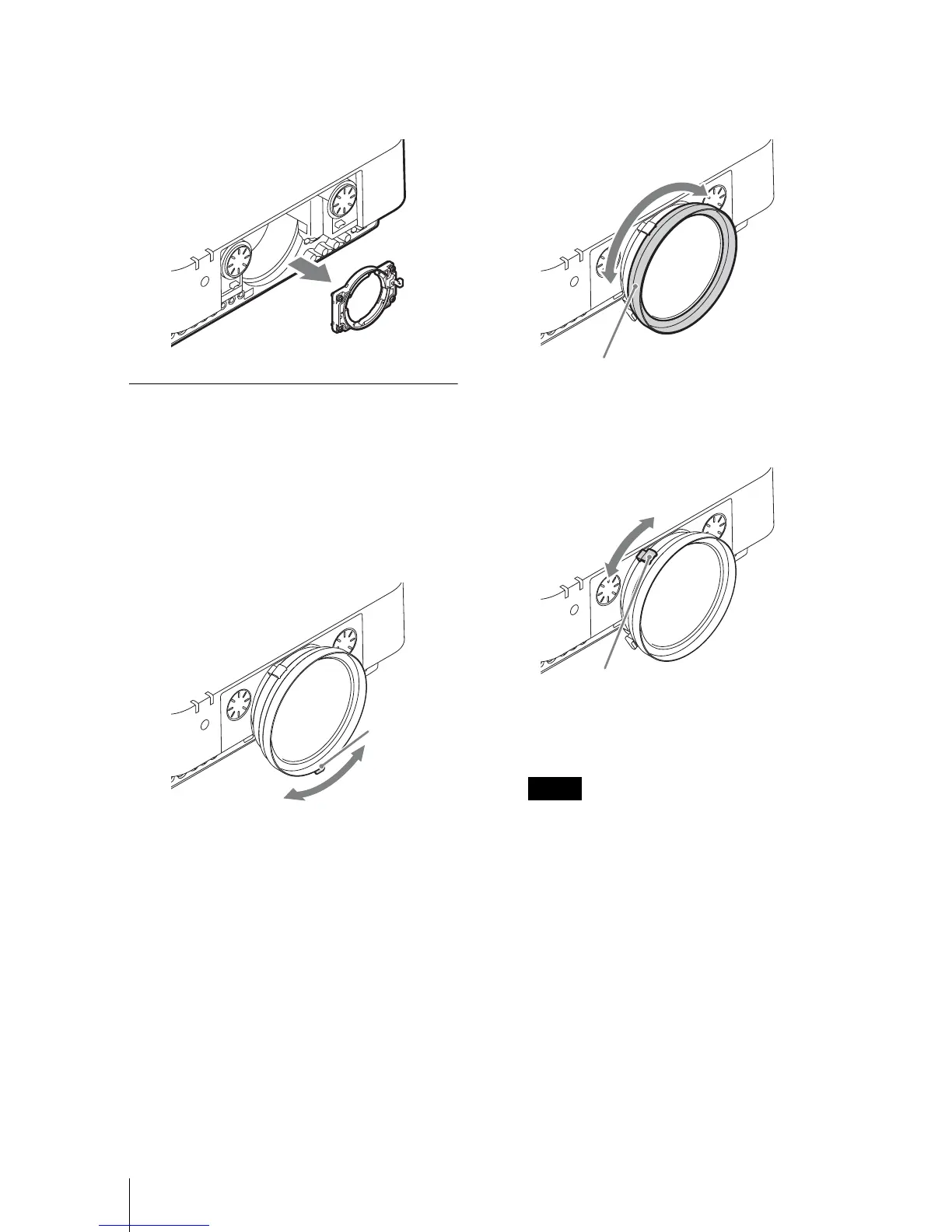
4 Loosen the four screws that secure the
adapter then pull it out in the frontal
direction.
Adjusting the peripheral focus
When attaching the VPLL-2007 or VPLL-
Z2009, adjust the peripheral focus in
addition to the usual focus adjustment.
1 Project an image and adjust the
projected image size with the zoom
lever.
2 Rotate and fix the peripheral focus
ring at the center of the movable
range.
3 Adjust the center point focus of the
projected image with the focus lever.
4 Rotate the peripheral focus ring to
adjust the focus of peripheral area.
If rotating the peripheral focus ring all the
way does not adjust the focus of peripheral
area, see “When the peripheral focus
cannot be adjusted” (page 46).
Check the center point of the projected
image. If the center point of the projected
image is focused, the adjustment is
completed. If not, repeat steps 3 and 4.
When the peripheral focus cannot be
adjusted
According to the installation conditions, the
peripheral focus ring may not adjust the
focus of peripheral image. In this case,
adjust the focus by changing the number of
spacers.
Zoom
lever
Note
Peripheral focus ring
Focus lever





 To Next Page