37
Using the Menus
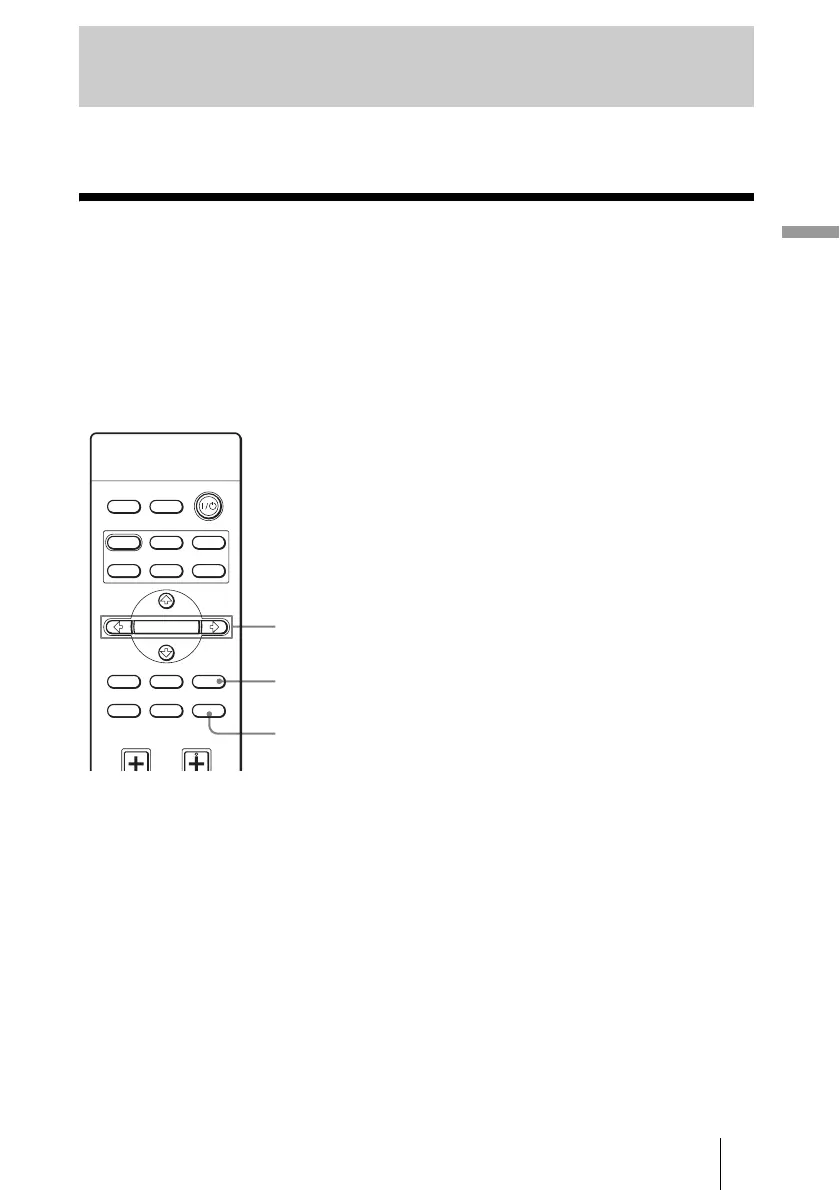
This section describes how to make various adjustments and settings using the menus.
Operation through the Menus
The projector is equipped with an on-screen menu for making various adjustments and
settings. Some of the adjustable/setting items are displayed in a pop-up menu, in a setting
menu or adjustment menu with no main menu, or in the next menu window. If you select
an item name followed by an arrow (
B), the next menu window with setting items appears.
To change the on-screen menu language, see “Step 4: Selecting the Menu Language.”
(1 page 25)
Using the Menus
INPUTLIGHT
STANDARD
CINEMA
DYNA MIC
USER 2
PICTURE MODE
REAL COLOR PROCESSING
USER 3USER 1
ADJ PIC
MENULENS
RCP
BRIGHT CONTRAST
RESET
WIDE MODE
ENTER
2, 3, 4
1
RESET button



 To Next Page