Help Guide
Wireless Stereo Headset
WF-C510
About the buttons on the headset
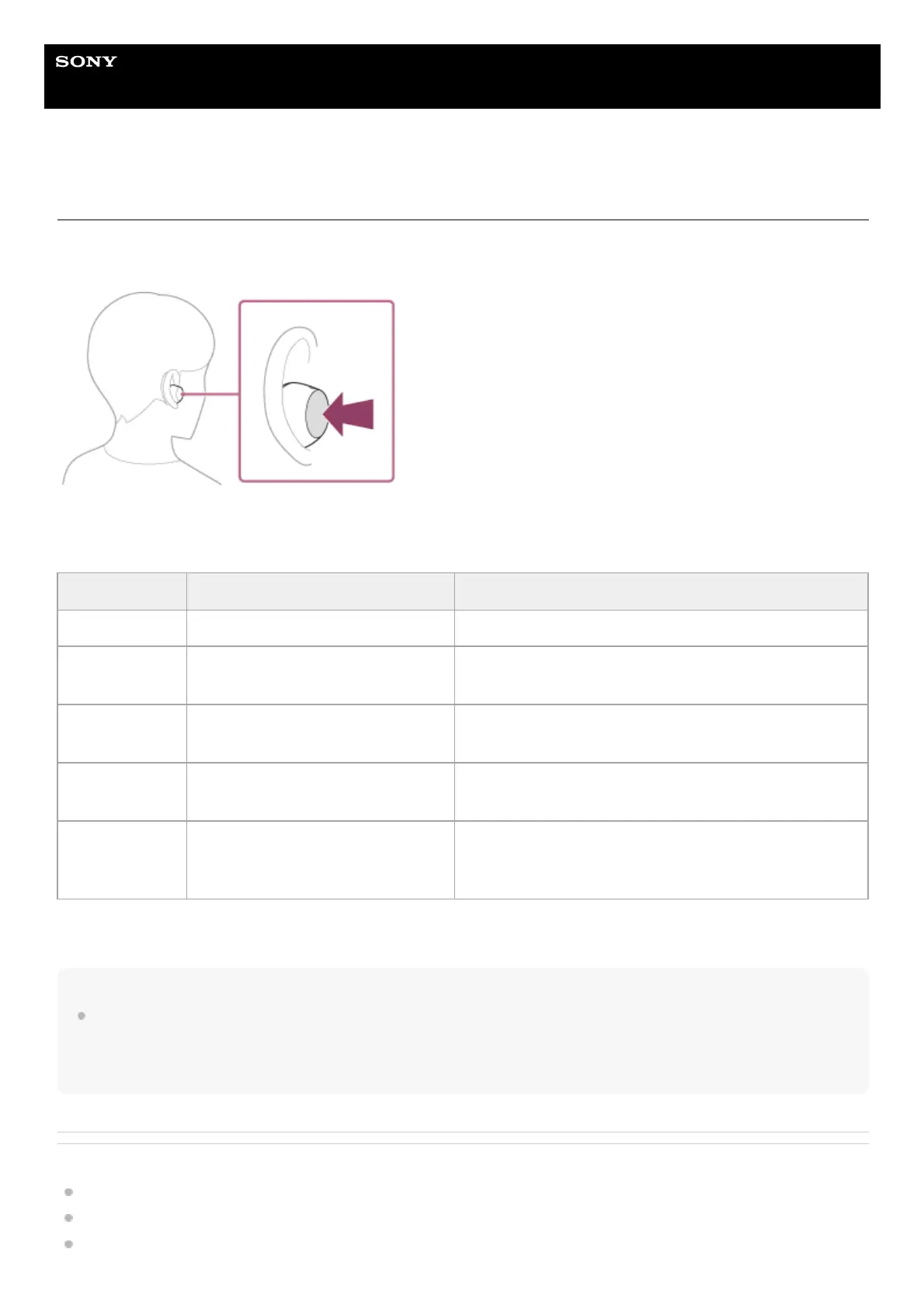
Press the button for various operations, such as music playback, phone calls, or changing the setting of the Ambient
Sound Mode.
Some available operations
Hint
You can change the function assignments for the buttons on the left and right headset units using the “Sony | Sound Connect”
app. For example, the assignment of the music playback function to the button on the right headset unit in the factory settings can
be changed and assigned to the button on the left headset unit.
You can also set to not assign the music playback function, Ambient Sound Mode, or playback volume adjustment function, etc.
Related Topic
Controlling the audio device (Bluetooth connection)
Functions for a phone call
What you can do with the “Sony | Sound Connect” app
Left Right
Press once To turn on/off Ambient Sound Mode To play or pause music
Press twice
To receive a call/end a call/cancel an
outgoing call
To skip to the beginning of the next track
To receive a call/end a call/cancel an outgoing call
Press 3 times —
To skip to the beginning of the previous track (or the
current track during playback)
Press 4 or more
times
To lower the volume To increase the volume
Press and hold
To turn on the headset
To reject a call
To turn on the headset
To reject a call
To use or cancel the voice assist function (Google app/Siri)



 To Next Page