Help Guide
Wireless Stereo Headset
WF-C510
Listening to ambient sound during music playback (Ambient Sound Mode)
The microphones built into the left and right headset units make it easier to hear ambient sound. You can hear ambient
sound while enjoying music.
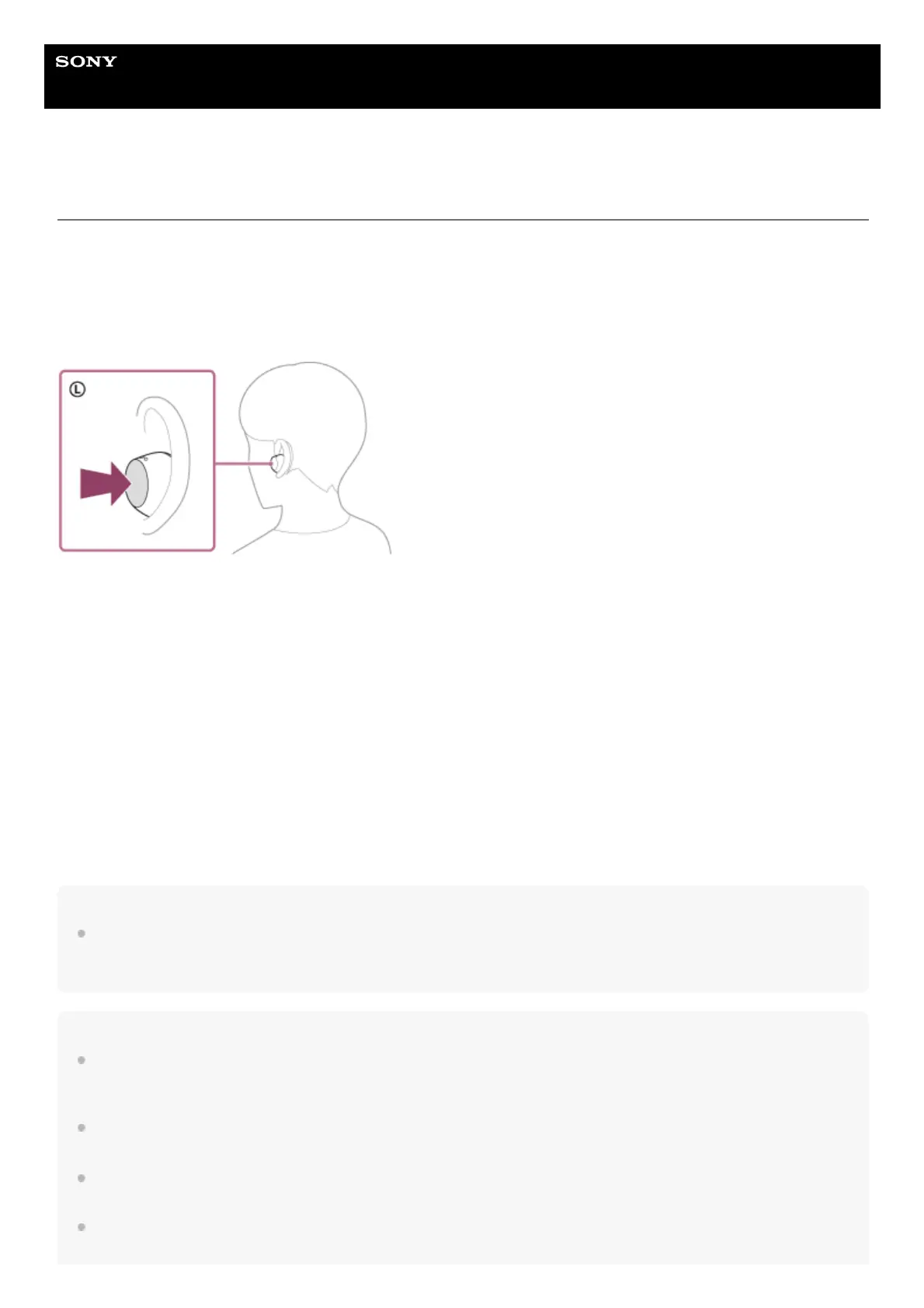
To activate the Ambient Sound Mode
Press the button on the left headset unit while the headset is turned on.
To change the setting of the Ambient Sound Mode
You can change the settings of the Ambient Sound Mode by connecting the smartphone (with the “Sony | Sound
Connect” app installed) and the headset via a Bluetooth connection.
Voice focus: Unwanted noise will be suppressed while announcements or people’s voices are picked up, allowing you to
hear them as you listen to music.
To turn off the Ambient Sound Mode
Press the button on the left headset unit to turn off the Ambient Sound Mode.
You can turn off the Ambient Sound Mode by setting the headset units into the charging case.
About the instruction manual video
Watch the video for how to use the Ambient Sound Mode (audio explanation is not available).
https://rd1.sony.net/help/mdr/mov0084/h_zz/
Hint
Ambient Sound Mode settings changed with the “Sony | Sound Connect” app are stored in the headset. Once you change the
settings, you can enjoy music with the stored settings just by turning on the Ambient Sound Mode even when the headset is
connected to other devices which do not have the “Sony | Sound Connect” app installed.
Note
Depending on the ambient conditions and the type/volume of audio playback, ambient sounds may not be heard even when using
the Ambient Sound Mode. Do not use the headset in places where it would be dangerous if you are unable to hear ambient
sounds, such as on a road with car and bicycle traffic.
Depending on the surrounding environment, wind noise may increase when the Ambient Sound Mode is turned on. In this case,
set the Ambient Sound Mode to OFF.
If the headset is not being worn properly in your ears, the Ambient Sound Mode may not work correctly. Twist the headset to put it
into your ears properly.
Do not cover the microphone part on the left or right headset unit with your hand, etc. The effect of the Ambient Sound Mode may
not work properly or a beeping sound (feedback) may occur. If any of this is the case, remove your hand, etc. from the left or right



 To Next Page