Help Guide
Wireless Stereo Headset
WF-C510
Listening to music from a device via a Bluetooth connection
If your Bluetooth device supports the following profiles, you can enjoy listening to music and control the device from your
headset via a Bluetooth connection.
A2DP (Advanced Audio Distribution Profile)
You can enjoy high-quality music wirelessly.
AVRCP (Audio Video Remote Control Profile)
You can adjust the volume, etc.
The operation may vary depending on the Bluetooth device. Refer to the operating instructions supplied with the
Bluetooth device.
Put the headset units into your ears.
See “Wearing the headset” for how to wear the headset in your ears.
1
Connect the headset to a Bluetooth device.
2
Operate the Bluetooth device to start playback and adjust the volume to a moderate level.
3
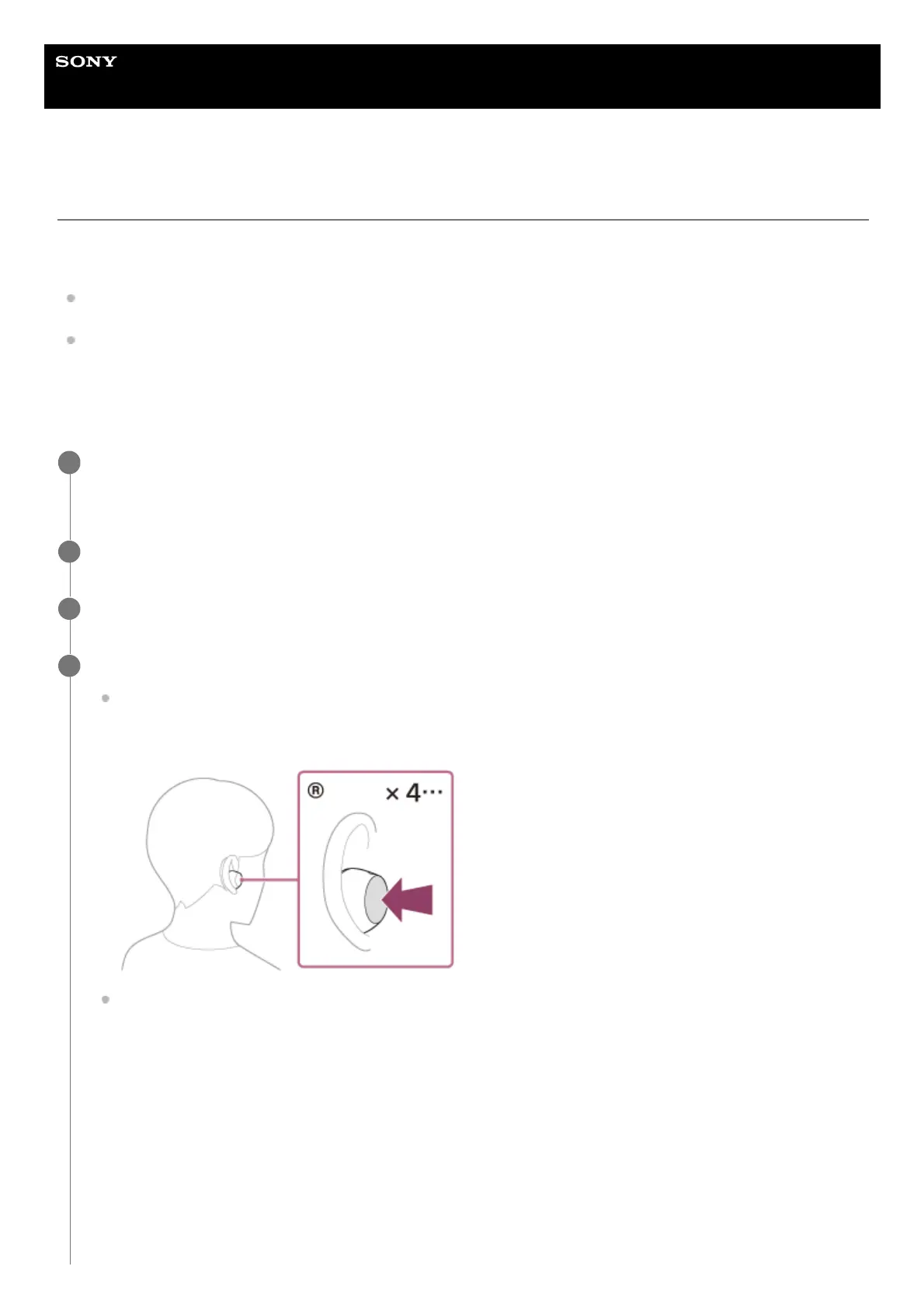
Press the button on the left or right headset unit to adjust the volume.
Increase the volume: Press the button on the right headset unit quickly 4 or more times. As you repeatedly press
the button, a headset operation beep is emitted every 0.4 seconds and the volume increases by 1 level with
each beep, regardless of the number of times you press the button.
Lower the volume: Press the button on the left headset unit quickly 4 or more times. As you repeatedly press the
button, a headset operation beep is emitted every 0.4 seconds and the volume decreases by 1 level with each
beep, regardless of the number of times you press the button.
4



 To Next Page