Hint
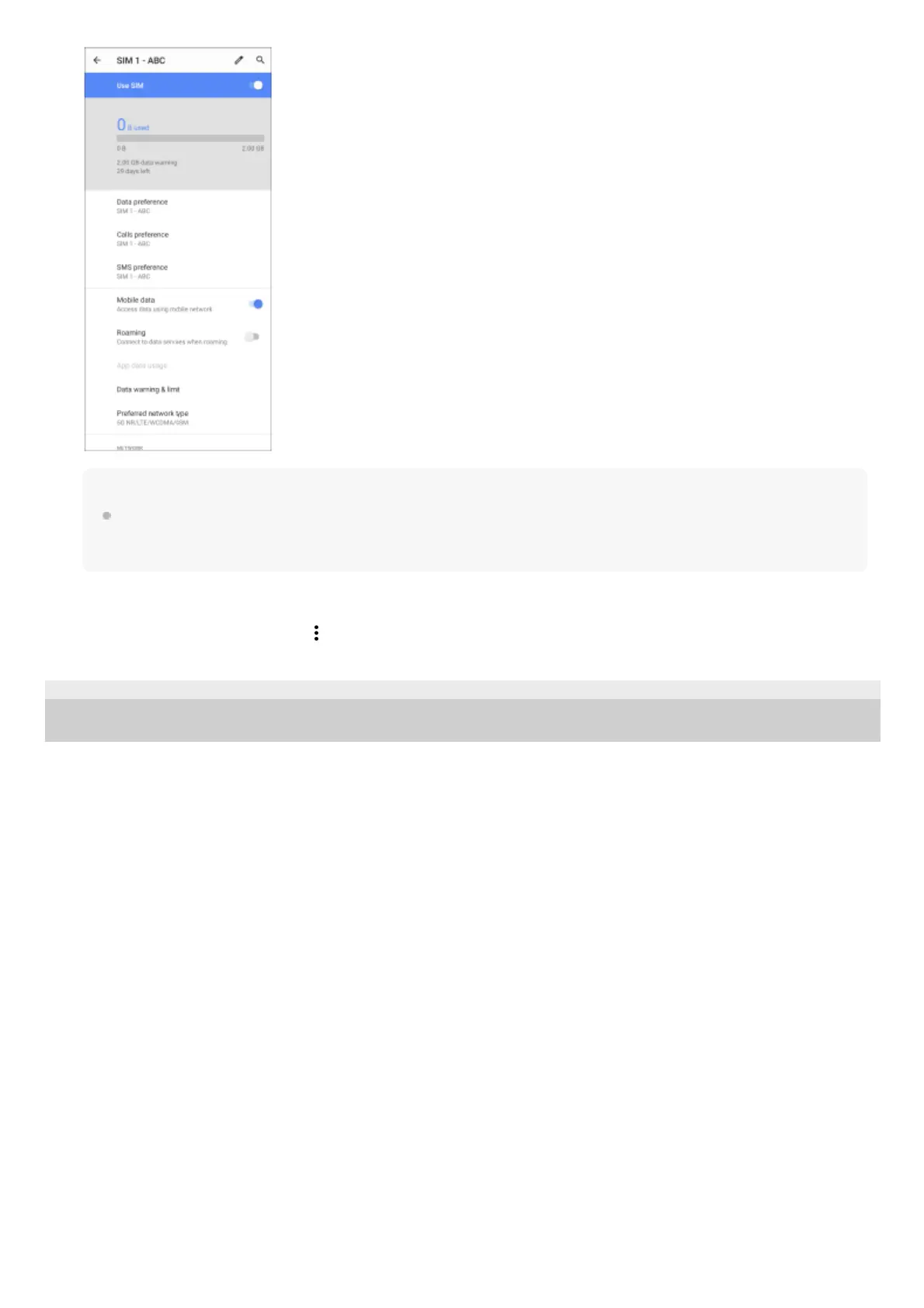
If you set one SIM card for calling and the other SIM card for data communications, you may not be able to access the
internet while talking on the phone. In this case, turn on the [Data during calls] switch of the SIM card for calling. You will now
be able to perform data communications even during calls.
Setting the Dual SIM reachability function (when using two SIM cards only)
Launch the Phone app, and then tap
(More icon) > [Settings] > [Calling accounts] > [Dual SIM reachability].
F-248-100-12 Copyright 2021 Sony Corporation



 To Next Page