Help Guide
Smartphone
Xperia PRO XQ-AQ52/XQ-AQ62
Connecting your device to USB accessories
You can use a USB host adapter to connect your device to USB accessories, such as USB mass storage devices,
headphones, game controllers, USB keyboards, and USB mice.
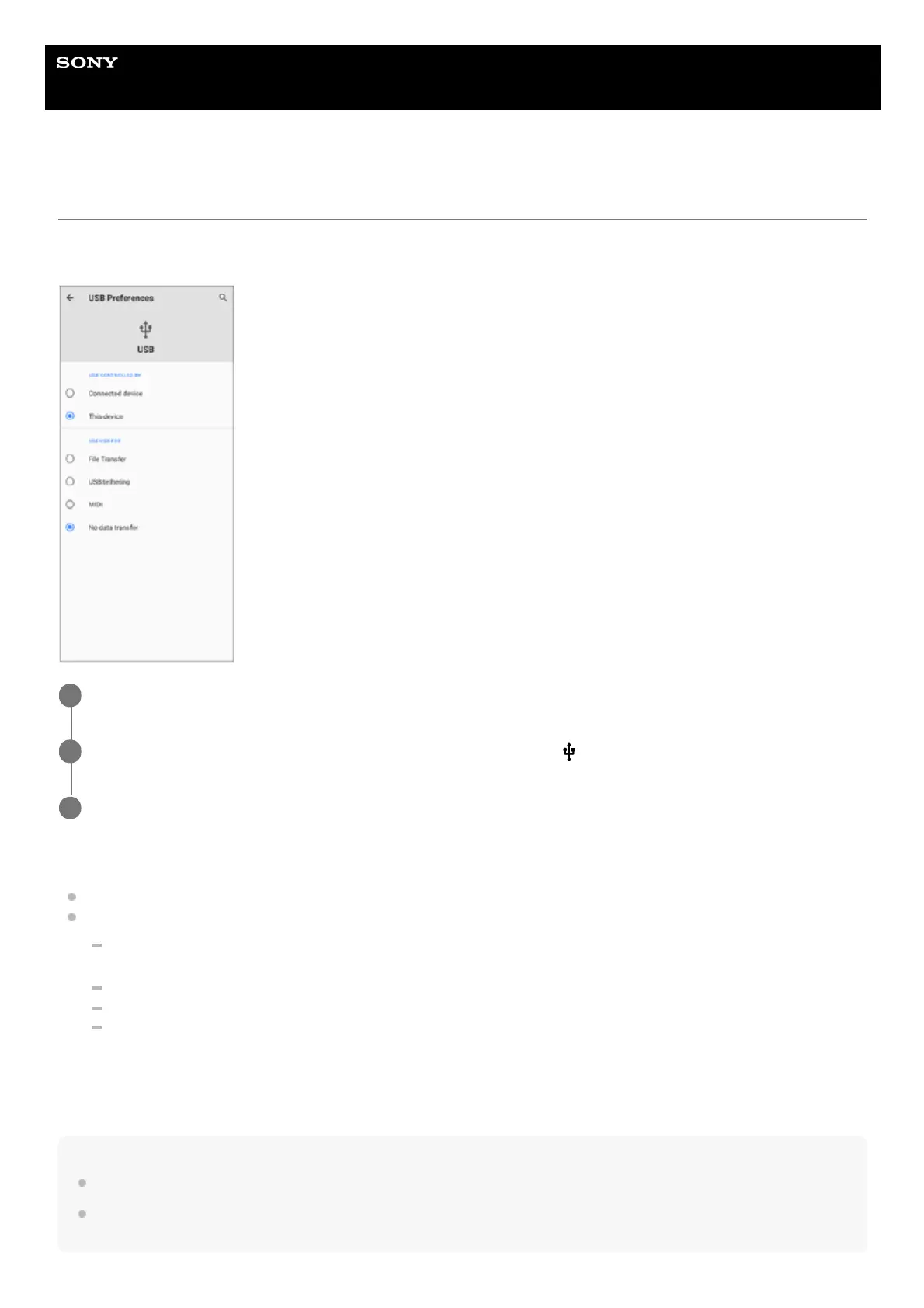
USB Preferences
USB controlled by: You can choose which device controls the other, your device, or the USB-connected device.
Use USB for: You can choose the purpose of the USB connection.
File Transfer: Manage files or update the device software. This option is used with Microsoft
®
Windows
®
computers. Charging is enabled by default.
USB tethering: Your device can function as a tethering device.
MIDI: Your device can function as the MIDI input for musical instrument applications.
No data transfer: Just charge your device when [USB controlled by] is set to [This device]. When [USB
controlled by] is set to [Connected device], you can use your device as a power supply and charge the other
connected device.
Note
Sony does not guarantee that all USB accessories are supported by your device.
This device has a capless USB port. If your device gets exposed to water, ensure that the port is completely dry before
connecting a USB cable.
Connect a USB cable to your device.
1
Drag down the status bar, and then tap [Android System] next to
(USB icon).
2
Tap [Tap for more options.], and then select an option.
3



 To Next Page