Help Guide
Smartphone
Xperia PRO XQ-AQ52/XQ-AQ62
Basic camera features
Use basic camera features that help you to take photos or record videos.
Changing the aspect ratio
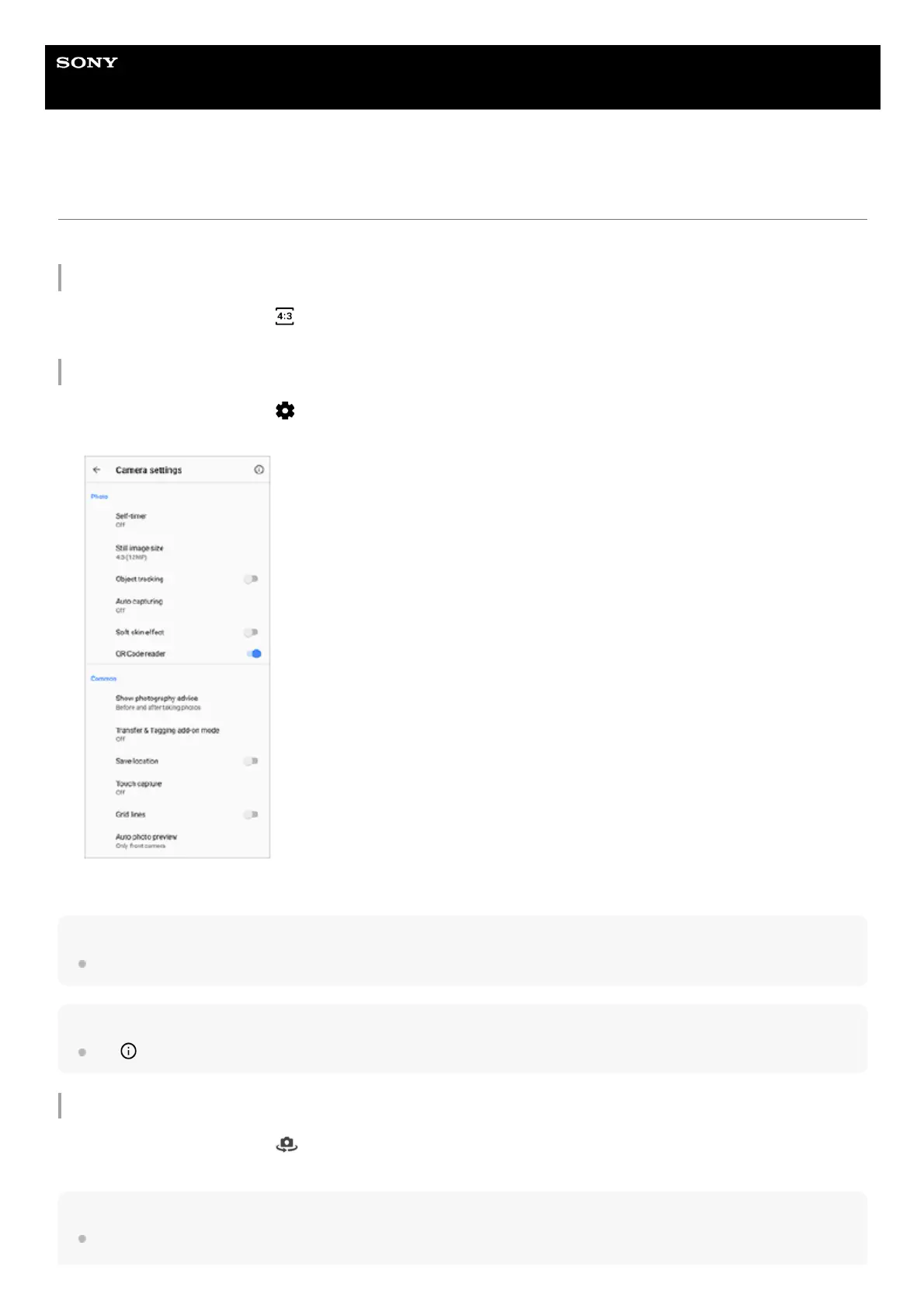
Adjusting the camera settings
Note
Available settings depend on the capturing mode selected.
Hint
Tap
(Introduction to features icon) to check information on various functions.
Switching between the main and front camera
Hint
You can also switch between cameras by swiping down on the camera screen (in the portrait orientation) or swiping right on the
camera screen (in the landscape orientation).
While using the camera, tap
(Aspect ratio icon).1.
Select a setting.2.
While using the camera, tap
(Settings icon).1.
Swipe the list to view the available settings and select a setting.
2.
While using the camera, tap
(Switch camera icon) to switch between the main and front camera.1.



 To Next Page