Help Guide
Smartphone
Xperia PRO XQ-AQ52/XQ-AQ62
Notification light
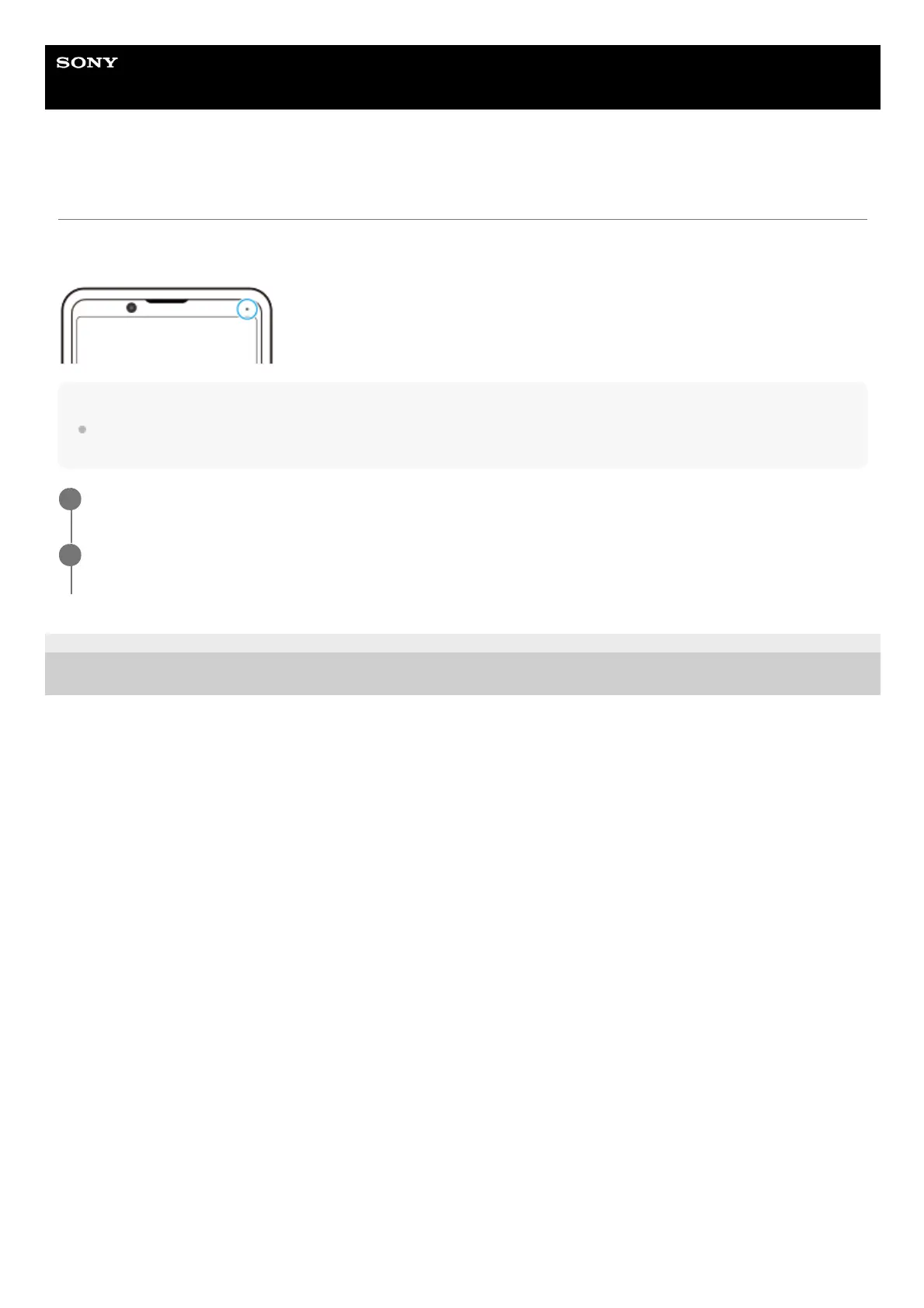
The notification light informs you about battery status and some other events. The notification light is enabled by default
but can be disabled manually.
Note
If the notification light is disabled, it only lights up or flashes when there is a battery status warning, such as when the battery
level goes below 15 percent.
F-248-100-12 Copyright 2021 Sony Corporation
Find and tap [Settings] > [Apps & notifications] > [Configure notifications].
1
Tap the [Use LED light to show incoming notifications] switch to enable or disable the function.
You may find the item under [Advanced].
2



 To Next Page