Help Guide
Smartphone
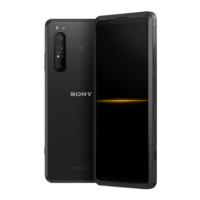
Xperia PRO XQ-AQ52/XQ-AQ62
Selecting a capturing mode
You can select a capturing mode according to the subject or your purpose.
Capturing modes overview
The following are some of the main capturing modes.
(Slow motion icon): Add a slow-motion effect after recording a video
(Portrait selfie icon): Take better-looking selfies
(Creative effect icon): Take photos with effects and color filters
(Panorama icon): Take wide-angle and panoramic photos
(Photo Pro icon): Launch Photo Pro
Note
Available settings depend on the capturing mode selected.
Related Topic
Slow motion videos
Portrait selfie
Creative effect
Panorama
Launching Photo Pro
F-248-100-12 Copyright 2021 Sony Corporation
While using the camera, tap [Mode], and then select a capturing mode.
1


 To Next Page