F-248-100-12 Copyright 2021 Sony Corporation
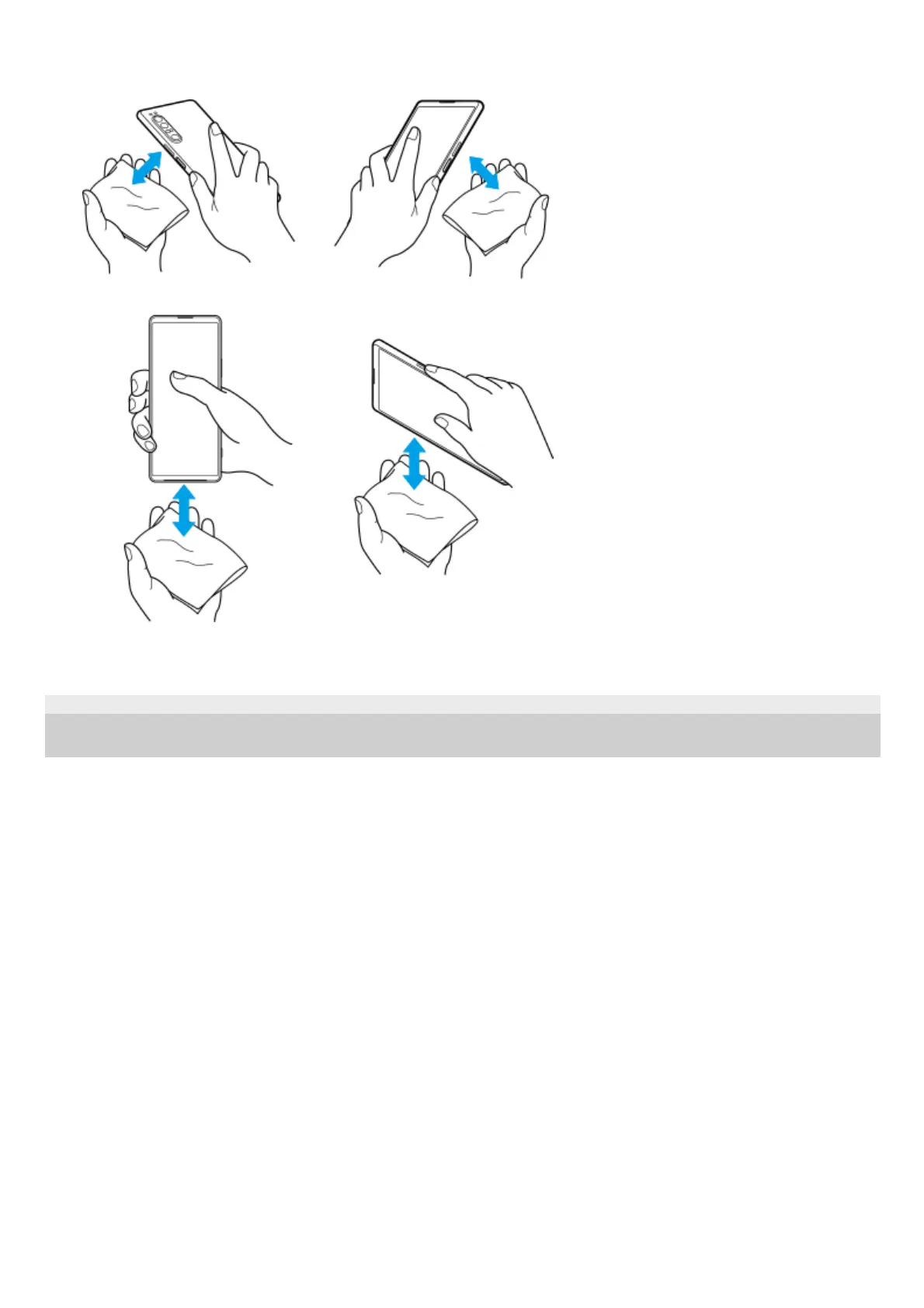
Use a micro-fiber cloth to wipe away any remaining moisture. Wipe keys, ports, and parts of your device such as
speakers, microphones, sensors, cameras, etc. as shown in the illustration.
3.
Leave your device for at least a couple of hours and ensure that it is completely dry before use.4.



 To Next Page