Hint
To exit the Side sense menu, double-tap the Side sense bar or tap an empty area on the screen.
Displaying the Multi-window menu
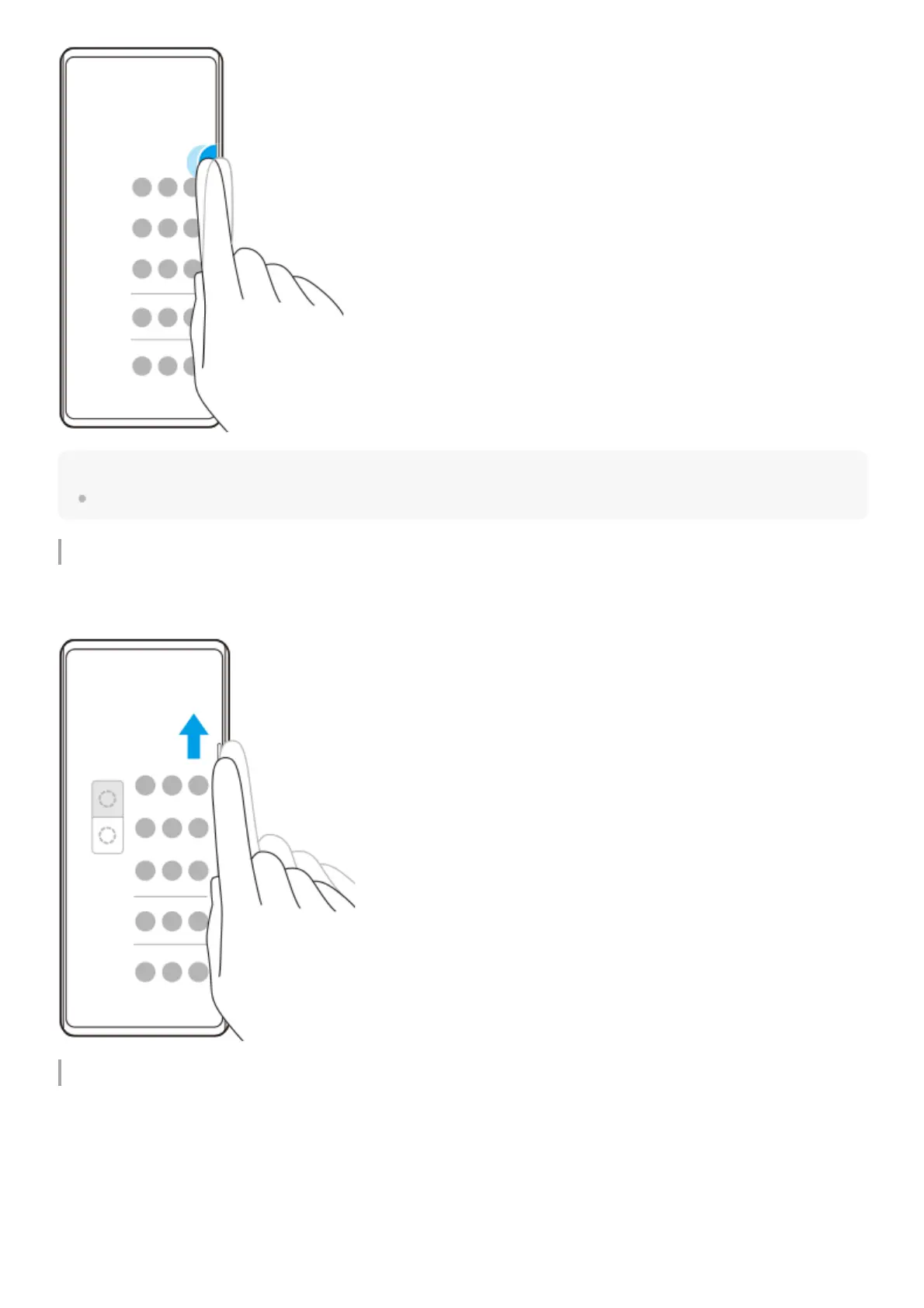
Slide your finger up along the Side sense bar to display the Multi-window menu. Follow the on-screen instructions to add
apps to a split-screen.
Returning to the previous screen using the side sensor
Slide your finger down along the Side sense bar to return to the previous screen.



 To Next Page