Help Guide
Smartphone
Xperia PRO XQ-AQ52/XQ-AQ62
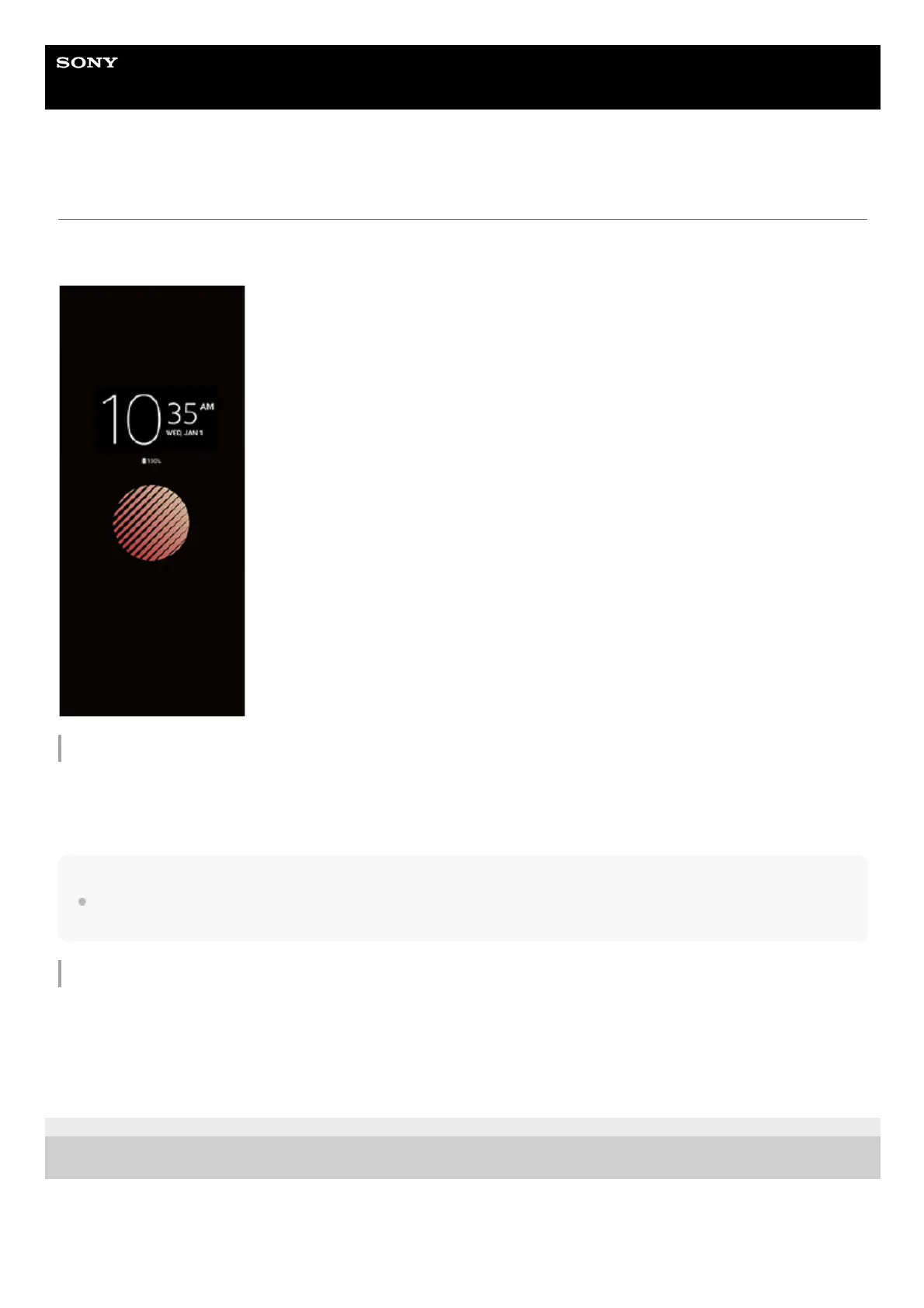
Setting the Ambient display
The Ambient display lets you view information such as the time, notifications, or music on the screen when the screen is
turned off. The Ambient display can also show album art while music is playing.
Adjusting the Ambient display settings
Hint
The default setting is [Smart activation], which activates the Ambient display when needed, for example, when walking with the
device in your hand, or when taking the device out of your pocket or bag.
Displaying an image on the Ambient display
F-248-100-12 Copyright 2021 Sony Corporation
Tap [Settings] > [Appearance] > [Ambient display (Always-on display)].1.
Tap [When to show Ambient display], and then select the desired setting.2.
Close the setting menu.
The setting is saved.
3.
Tap [Settings] > [Appearance] > [Ambient display (Always-on display)].1.
Tap [Sticker], and then select your desired sticker or photo.2.
Close the setting menu.
The setting is saved.
3.



 To Next Page