Need help?
Do you have a question about the Sophos SG 125 and is the answer not in the manual?
Lists all physical components provided with the Sophos SG appliance package.
Illustrates and labels the ports and connectors on the rear of the SG devices.
Guides on connecting the appliance's LAN and WAN ports to respective networks.
Outlines the factory default IP address, gateway, and network configurations.
Information on using an optional kit for installing the appliance into a server rack.
Steps to configure a workstation and access the appliance's web-based administration interface.
Explains the meaning of the ACT/LNK and Speed indicator lights on Ethernet ports.
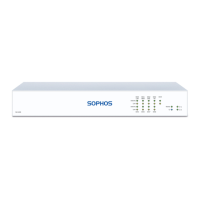
Details the function of LEDs on the front of the device, indicating system status.
Describes the status lights for the SFP (Small Form-Factor Pluggable) network ports.
 General
| Brand | Sophos |
|---|---|
| Model | SG 125 |
| Category | Racks & Stands |
| Language | English |

 To Next Page