Need help?
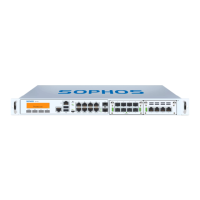
Do you have a question about the Sophos SG 135 and is the answer not in the manual?
Details the components included in the Sophos SG appliance packaging.
Illustrates the back panel of the SG 105w/115w and SG 125w/135w devices.
Information on activating the Sophos SG appliance license.
Steps for physical mounting and connecting the appliance to networks.
Lists the default IP address, gateway, DNS proxy, and DHCP settings.
Steps to access the appliance's WebAdmin interface via a web browser.
Explanation of the various status indicator lights on the device.
Resources for further information and technical assistance.
 General
| Brand | Sophos |
|---|---|
| Model | SG 135 |
| Category | Racks & Stands |
| Language | English |


 To Next Page