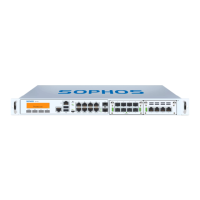
1
1. Before Deploying
Congratulations on your purchase of the Sophos SG appliance to protect your data
networks and computers. This Quick Start Guide describes in short steps how
to assemble the appliance and explains how to open the web-based WebAdmin
configuration tool on the security system from your administration client PC.
WebAdmin allows you to configure every aspect of the security system.
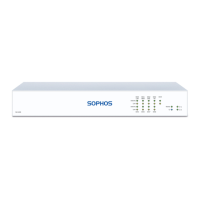
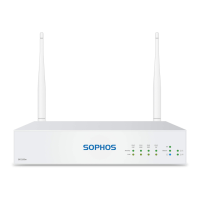
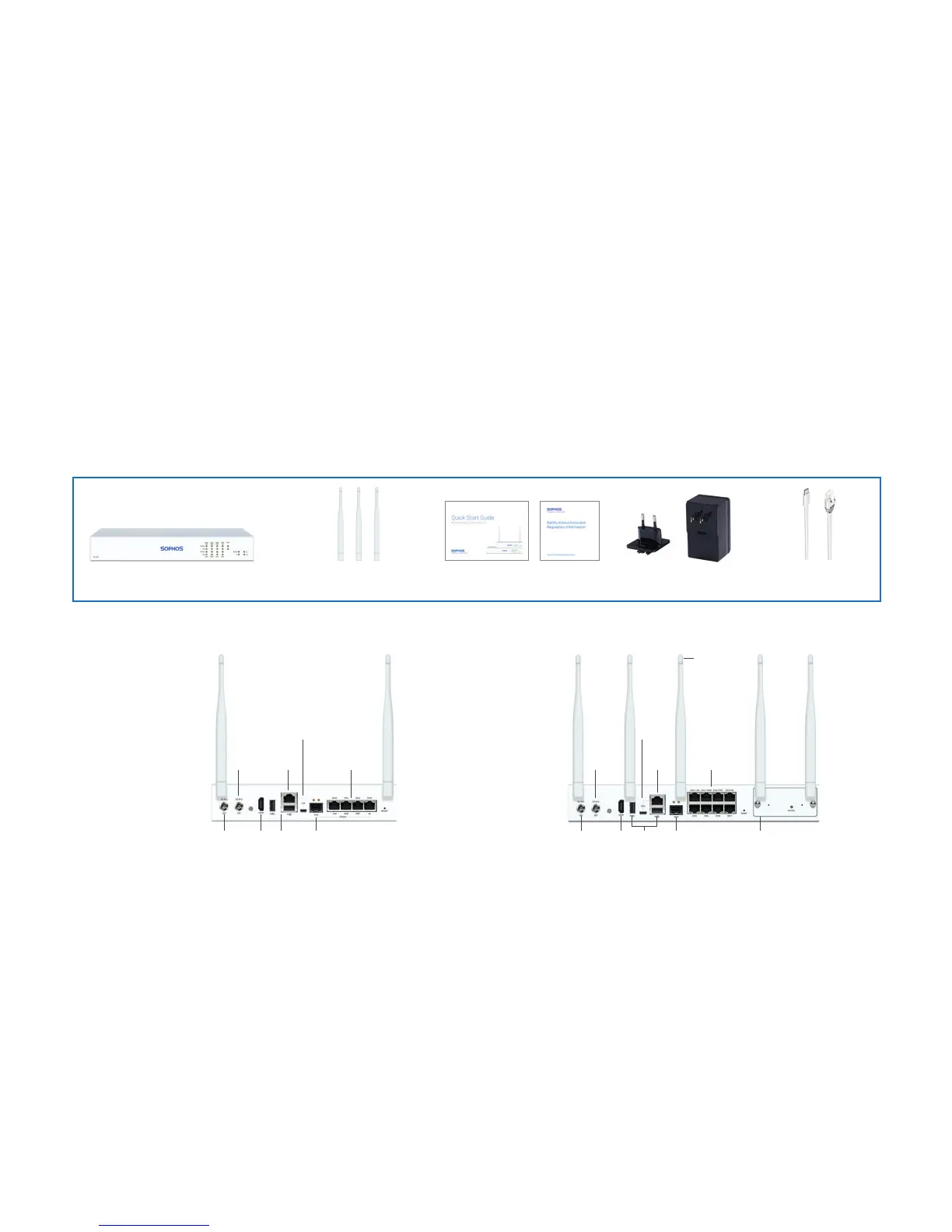
a) What does the box include
b) Device Images: Back Side
*
Quick Start Guide SG 105(w)/115(w)/125(w)/135(w)
Before you begin please confirm that you have a
working Internet connection and make sure you
have the account information available that was
provided by your ISP.
1 x COM
(RJ45)
3 x external
antenna
(SG 125w and
SG 135w only)
2 x USB
2.0
8 x GbE
copper port
Power
Supply
Optional
2nd
redundant
power
supply
1 x
Micro
USB
1 x
HDMI
Expansion bay (shown with
optional module incl. 2 antennas)
1 x GbE
SFP
SG 105(w)/115(w)/125(w)/135(w) This Quick Start Guide and
Security Notes
SG 105(w)/115(w) - 2 antennas;
SG 125(w)/135(w) - 3 antennas
Power Adapter
(region specific)
Micro USB cable
RJ45 Ethernet cable
SG 105w/115w Rev. 3 SG 125w/135w Rev. 3
1 x COM
(RJ45)
2 x external antenna
(SG 105w and SG 115w only)
2 x USB
2.0
4 x GbE
copper port
Power
Supply
Optional
2nd
redundant
power
supply
1 x
Micro
USB
1 x
HDMI
1 x GbE SFP
(shared)
* The displayed back image is of the SG 115 and SG 135 device.



 To Next Page
 Loading...