4
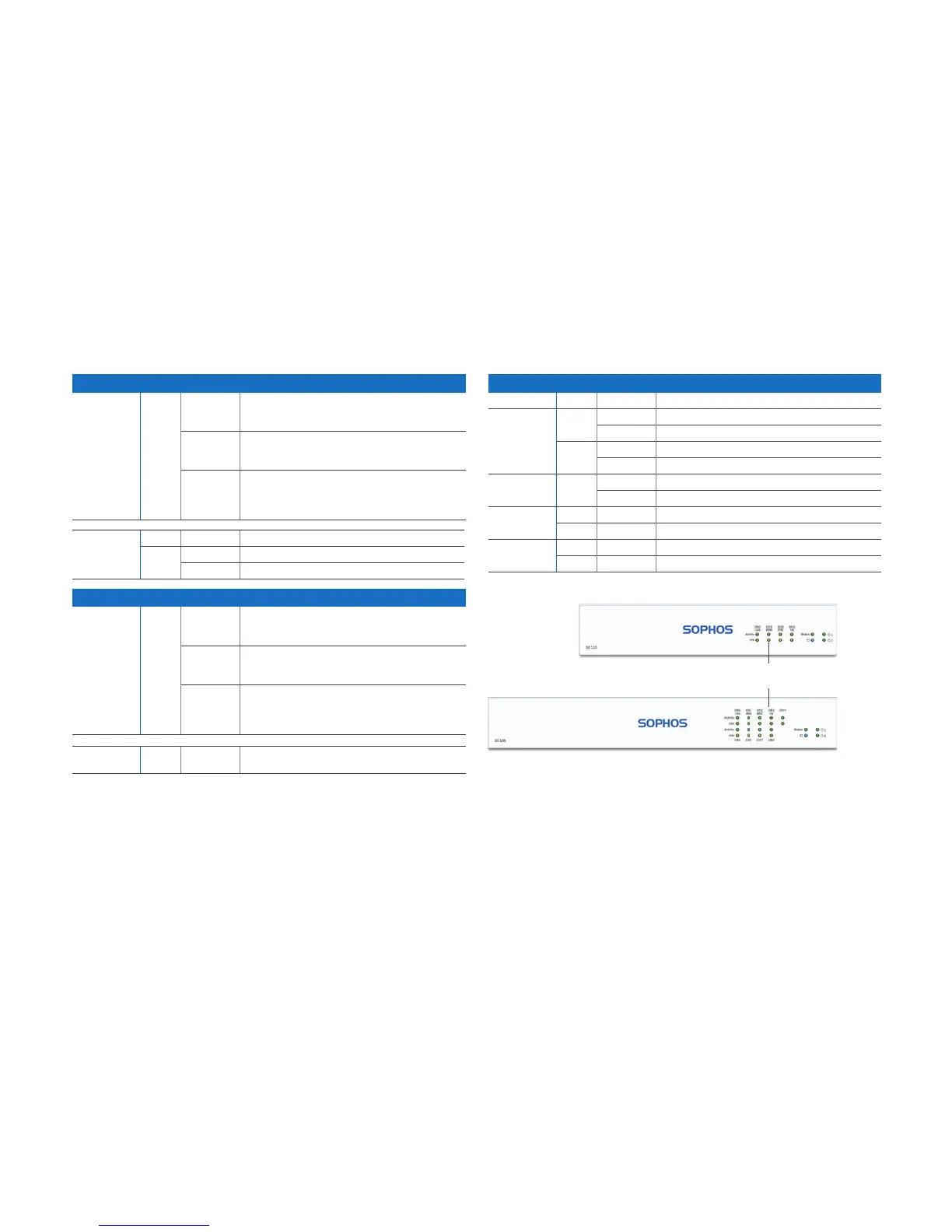
5. Device LED Status
LEDs on each RJ45 Ethernet connector
ACT/LNK
(Left LED)
Green Constantly 1. The Ethernet port is receiving power.
2. Good connection between the Ethernet port
and hub.
Flashing The adapter is sending or receiving network data.
The frequency of the flashes varies with the
amount of traffic.
Off 1. The adapter and switch are not receiving power.
2. No connection between both ends of network.
3. Network drivers have not been loaded or do not
function correctly.
Speed
(Right LED)
Amber On The Ethernet port is operating at 1,000 Mbps
Green On The Ethernet port is operating at 100 Mbps
Off The Ethernet port is operating at 10 Mbps
LEDs on SFP connector
ACT/LNK
(Left LED)
Green Constantly 1. The SFP connector is receiving power.
2. Good connection between the SFP connector
and hub.
Flashing The adapter is sending or receiving network data.
The frequency of the flashes varies with the
amount of traffic.
Off 1. The adapter and switch are not receiving power.
2. No connection between both ends of network.
3. Network drivers have not been loaded or do not
function correctly.
Speed
(Right LED)
Amber On The Ethernet port is operating at 1,000 Mbps
Quick Start Guide SG 105(w)/115(w)/125(w)/135(w) Rev. 3
LEDs on front
Storage Blue Flashing SSD drive is being accessed
Status Green Constantly Normal operation
Flashing Device is booting up or shutting down
Red Constantly SSD or boot failure
Flashing General error (please contat support)
Wifi Green On Wifi is active
Off Wifi is inactive
Power 1 Green Constantly Power adapter 1 in normal operation
Red Constantly Power adapter 1 failed or disconnected
Power 2 Green Constantly Power adapter 2 in normal operation
Red Constantly Power adapter 2 failed or disconnected
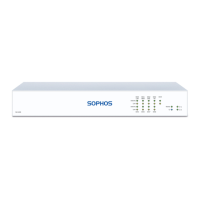
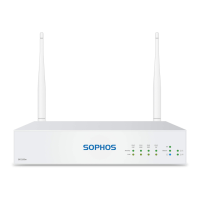
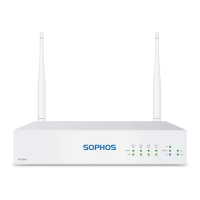
Device Images: Front Side
*
Status LEDs
(w-model has additional Wi-Fi LED)
6. Support and Documentation
For more information and technical support, please visit
www.sophos.com/en-us/support or contact your local Sophos
reseller.
* The displayed front image is of the SG 115 and SG 135 device.



 To Next Page
 Loading...