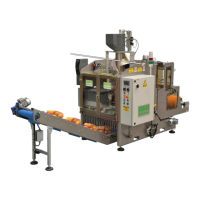
ELECTRIC PANEL
BSS-134
CHAP.- 8
- [6] Luminous green button - AUTOMATIC WORKING - this button puts the machine into automatic
working. The green light indicates that the machine has been put into the automatic mode.
- [7] Luminous red button - MANUAL WORKING - this button puts the machine into manual work-
ing. The red light indicates that the manual buttons have been enabled.
- [8] White light: POWER ON WHITE LIGHT - VOLTAGE PRESENT -
- when lit: the machine is connected to the power supply.
- when off: the machine is not connected to the power supply.
ST FN
ST
°C
ALM
OUT
LOW HIGH
SP
ST
FN
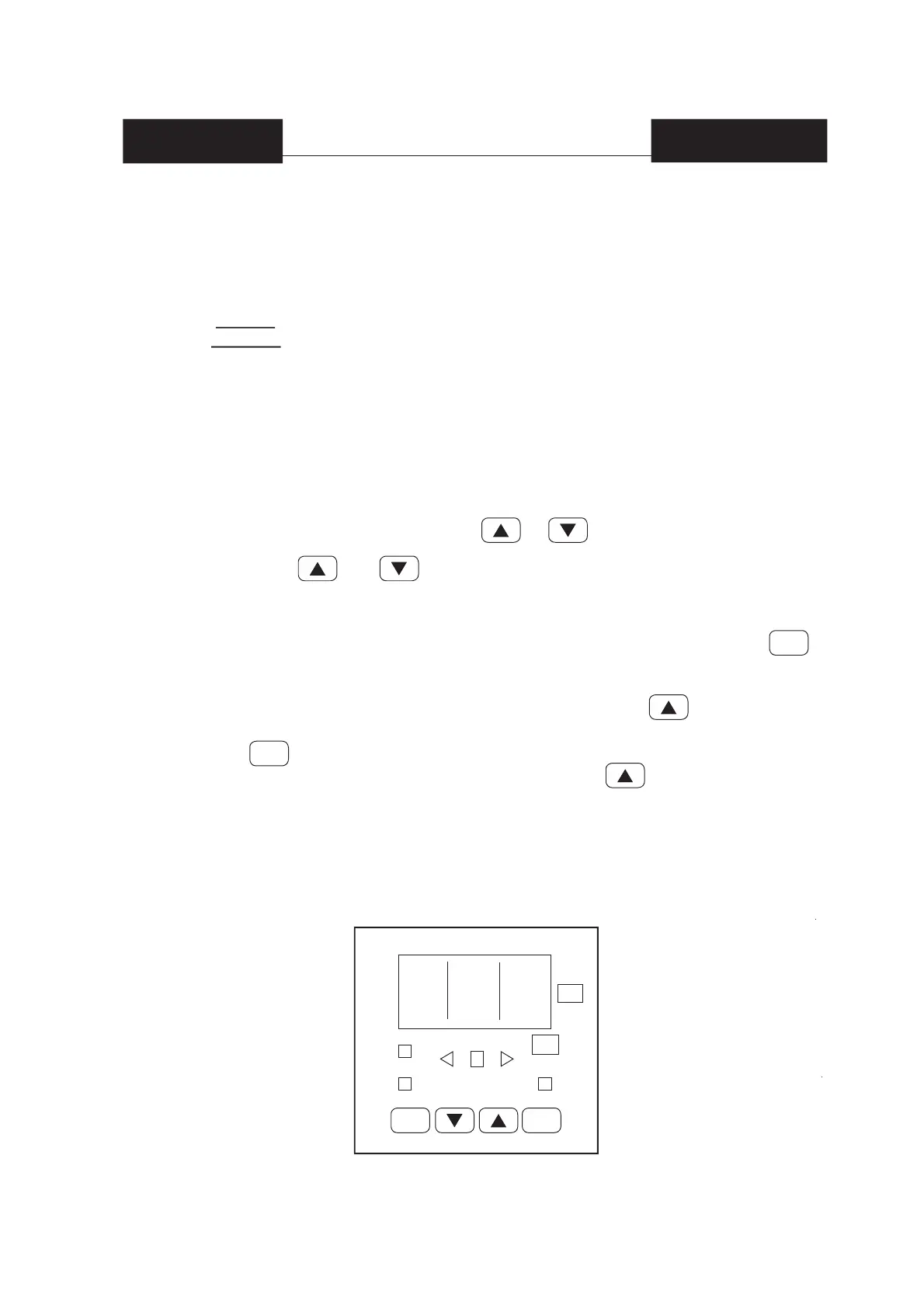
- [9] HORIZONTAL SEALING - It adjusts the sealing temperature to the type of material used and
the current room temperature.
The recommended temperature ranges from 240 to 280°C.
The machine is READY FOR USE when the thermoregulator displays the temperature
that was previously set.
To CHANGE THE PREVIOUSLY SET TEMPERATURE proceed as follows:
1) Press, for more than 3 seconds, the or push-button; the set point value,
will be displayed and it will start to change.
2) Using the and push-buttons, it is possible to set the desired value.
3) When the desired value is reached, do not press any push-button for more than 3 sec-
onds, the new set point will become operative after 3 seconds from the last push-button
being pressed.
If during this procedure, there is no interest in storing the new value, press the
push-button; the instrument automatically returns to the normal display mode without
having saved the new set point.
To display the PROGRAMMED SET POINT VALUE press the push-button.
The display will show the set point value and the decimal point of the last signifi cant
(see ) digit will fl ash to indicate that the number shown is the set point value.
To come back to display the measured value, press the push-button again.
For further information on the thermoregulator, please refer to the manufacturer’s manual
the electric panel is supplied with.


 To Next Page
 Loading...