IR6500SW / English Instruction Manual
3
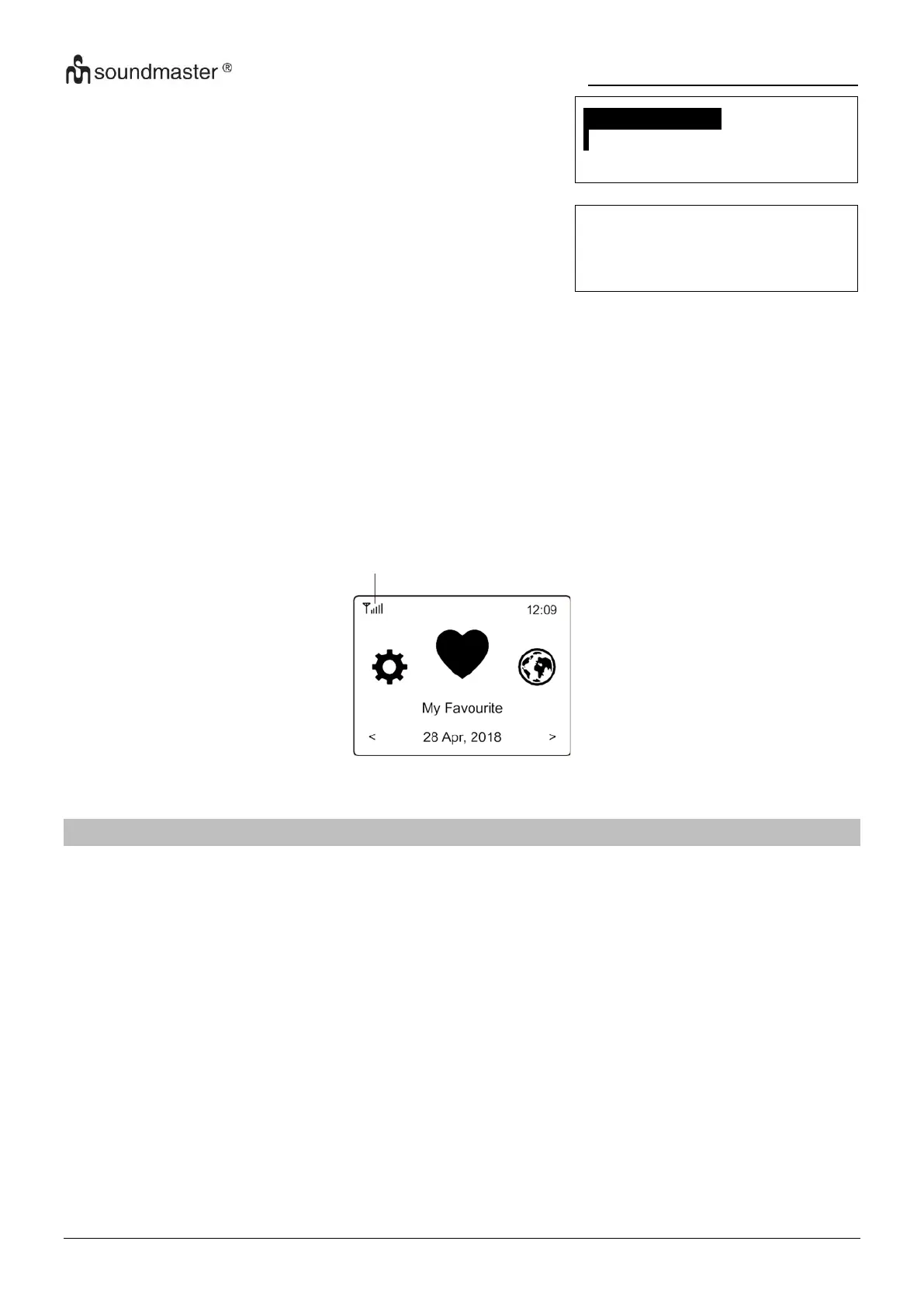
Select Add/Remove AP from the list, use the
“TUNE/SELECT/VOLUME” knob to scroll and press it
to confirm, then choose Add AP (Scan):
It will start scanning the available Wi-Fi routers around. Scroll to your network and press
“TUNE/SELECT/VOLUME” to confirm. If your Wi-Fi network has a security code
protected, it will ask you to enter the passphrase/password.
Note: The password is case sensitive. Please consult with the one who setup your
network if you don't know the password.
1. When the Wi-Fi connection is successful, the Association Complete will be shown briefly.
The Wi-Fi signal bar will appear on the top left corner of the display.
OVERVIEW OF FEATURES AND FUNCTIONS
Press “MENU” to enter the main menu. Scroll by rotating the “TUNE/SELECT/VOLUME” knob:
To show the list of favorite stations which have been assigned to the
presets.
There are up to 99 presets available.
Start exploring the worldwide radio stations and music here.
You can browse and stream music from your network via UPnP or DLNA
Compatible devices.
Pick up DAB+ and DAB radio signal if available in your local area.
Receive ordinary FM radio stations in your local area.
Bluetooth playback, to play audio stream (receive) from another Bluetooth
enabled device after pairing/connected each other.
Enable the timer to turn the radio in standby after the selected time
elapsed.
More options/settings available to personalize as you desire.


 To Next Page