Controls & Functions
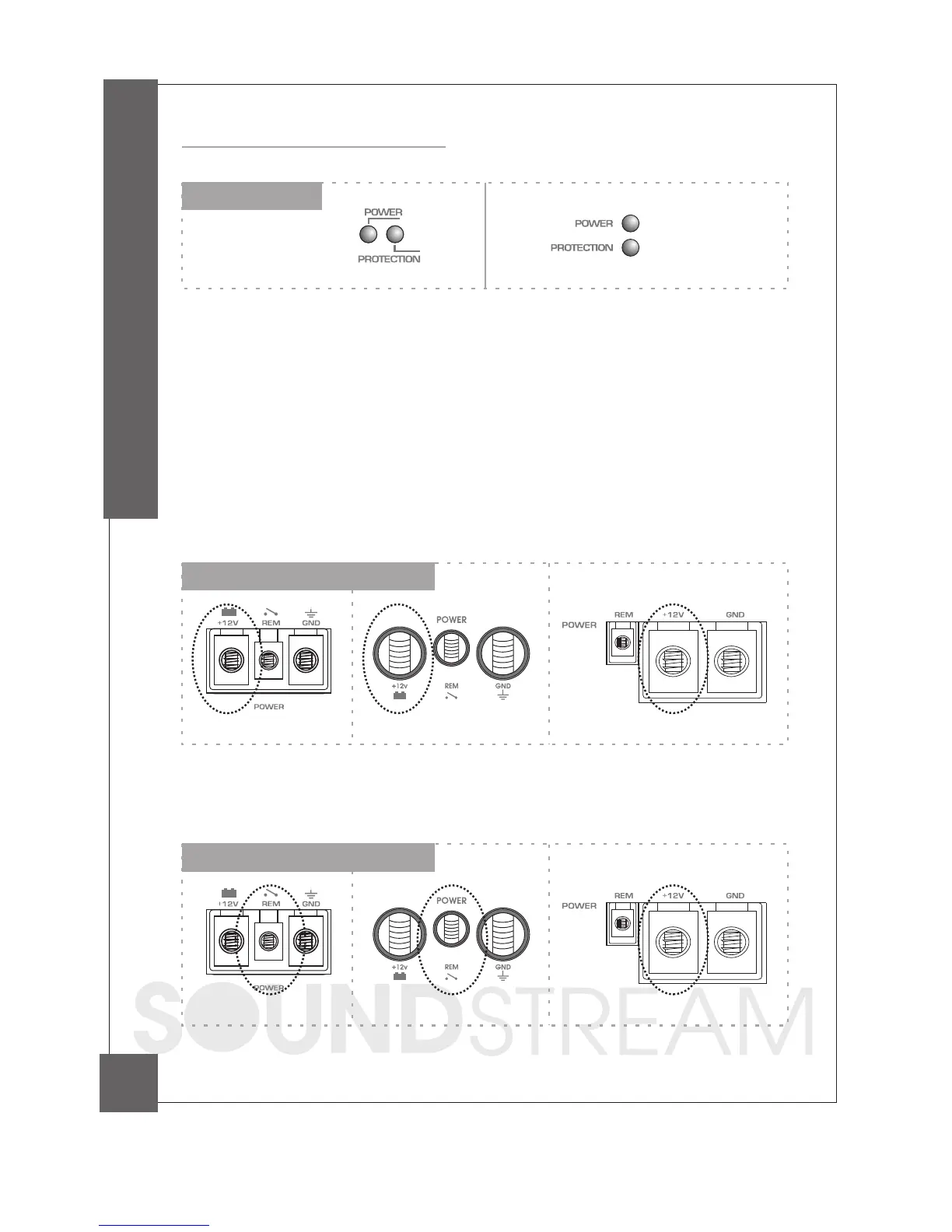
10. B+ Terminal (Battery positive)
Due to the power requireme nts of the Amplifie r, this c onne c tion should be ma de
direc tly to the positive (+ ) te rmina l of ba ttery. For sa fety me a sure, insta ll a n in-line
fuse Holde r (not inc luded) a s c lose to the ba ttery positive(+ ) termina l a s possible with
a n a mpe re ra ting ; not to exc e ed tota l va lue of fuse s in Amp.
9. LED Indicator
PWR(Powe r): This G REEN LED will illumina te whe n the a mp lifie r is turne d "O N". If it fa ils
to illumina te , c he c k the powe r c onne c tions to the Amplifie r a nd fuse s.
PROT(Protec tion): The a mplifier prote c tion c irc uitry will disa ble the a mplifier if input overloa d,
short c irc uit or extreme ly high tempera ture c onditions a re dete c ted. When the protec tion
mode is in ope ra tion, the LED indic a tor on the side pa nel will be illumina ted, indic a ting the
a mplifier ha s gone into a self-preserva tion mode.
If you observe tha t the Protec tion LED is lit, plea se c hec k the system c a refully to determine
wha t ha s c a used the protec tion c irc uit to enga ge. The a mplifier c a n be reset by turning the
remote power off a nd then on a ga in. If the a mplifier shut down due to a therma l overloa d
c ondition, plea se a llow it to c ool down before resta rting. If the a mplifier shut down bec a use
of a n input overloa d or short c irc uit, be sure to repa ir these c onditions before a ttempting to
power up the a mplifier a ga in.
11. Remote Power On
8
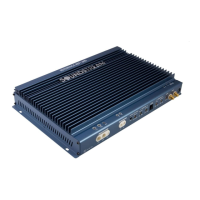
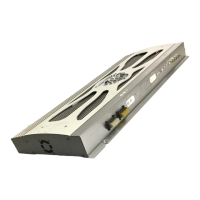
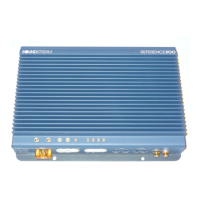
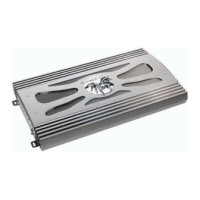
CONTROLS & FUNCTIONS
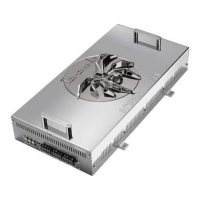
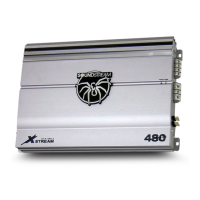
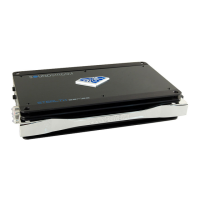
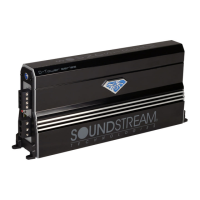
PCA1000D/1500D PCA3500D
PCA2000D
PCA1000D/1500D PCA3500D
PCA2000D
PCA1000D/1500D/2000D PCA3500D




 To Next Page