7.Settings
Display Settings :
10
Below is the Display setting menu, user can
select Lighting Detect, Daylight Dimming
Level, Night Dimming Level, Illumination
and Wallpaper.
Lighting Detect: On/Off
Daylight Dimming Level: 8 – 15
Night Dimming Level: 0 – 8
Illumination
Led Auto OFF
Led Color
-
+
Red
Led Auto: On/Off .
ON: The Led color will change automatically.
OFF: You press the button or
to select desired color.
Color: White / Red / Yellow /Blue / Green /
Purple / Light Green
-
+
About
Factory Reset
To reset the default factory setting.
To display the Unit Hardware and Firmware
version.
Reset Factory Data
Cancel OK
MCU:
SOC:
Hardware:
Update
Date & Time:
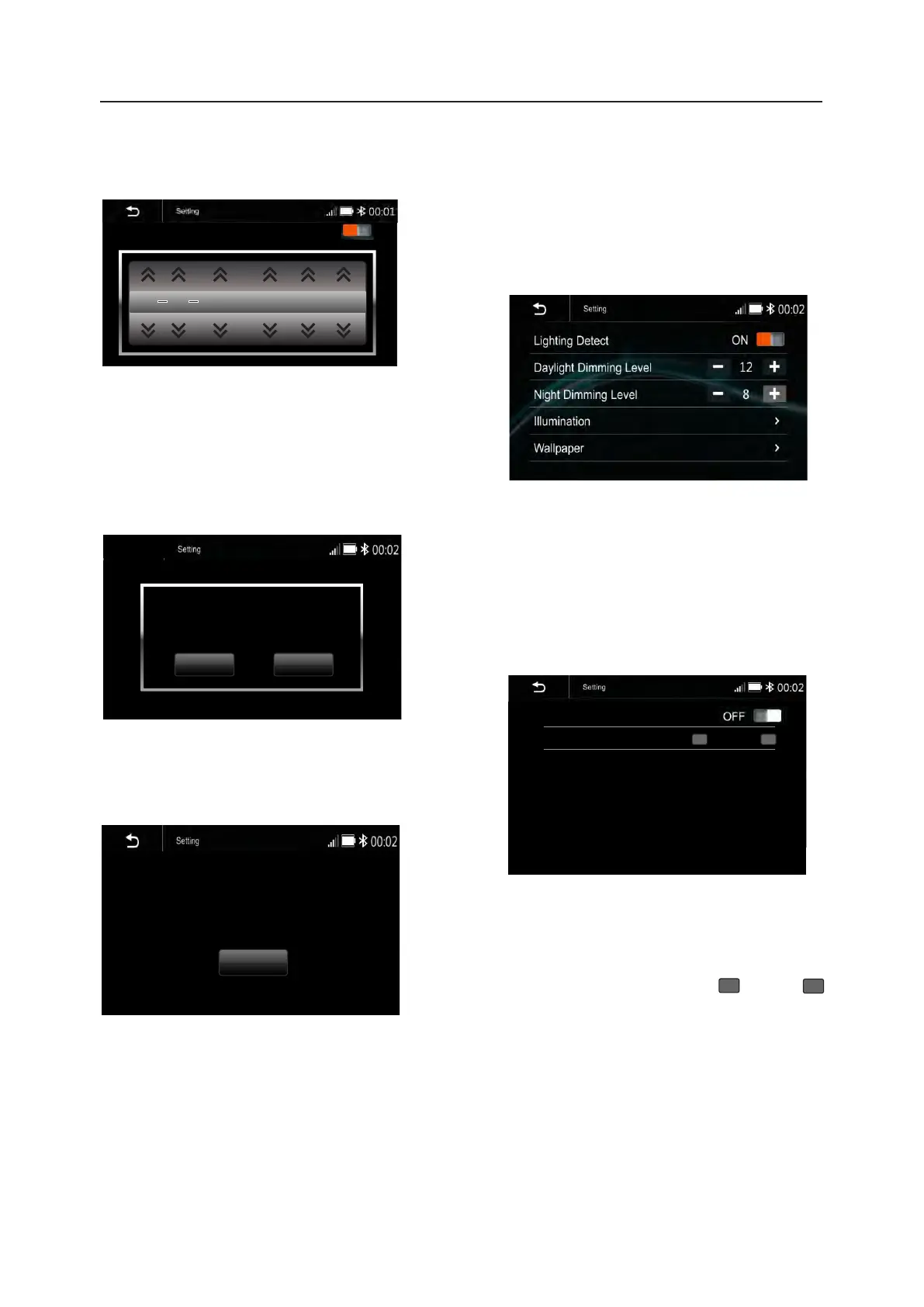
To setting Time display format (12H or 24H),
and set the correct date and time.
Time Format
Settings
2:05 AM
12H
1 1 2022 1 : 06 AM
Beep Tone: On/Off
To set the touch button beep tune On or Off




 To Next Page