11
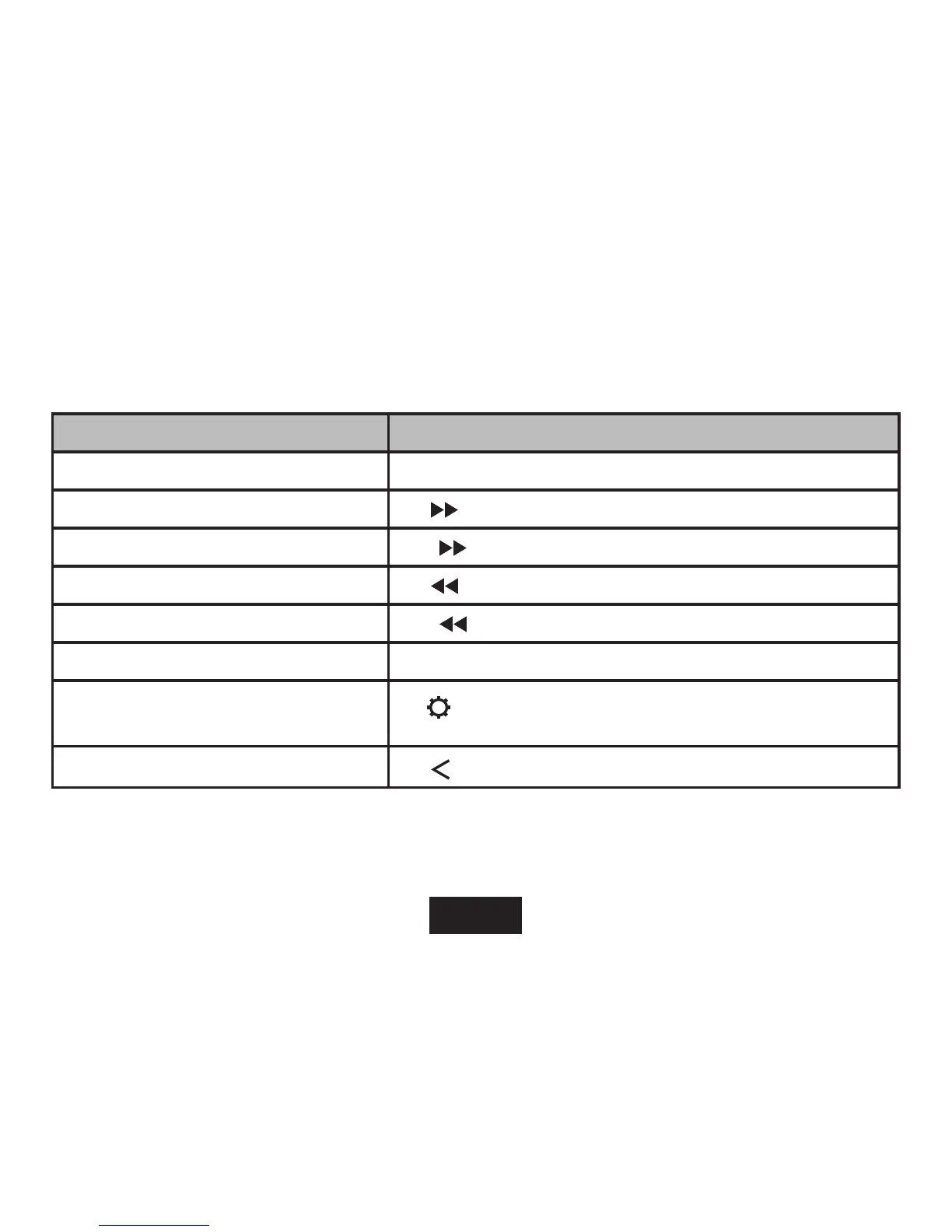
The following functions are performed from the Now Playing screen.
FUNCTION KEY ACTION
To pause/resume playback Press <ENTER> or tap the Play/Pause Icon on screen
To play the next track Tap
on screen
To forward-scan through the track Hold
on screen
To play the previous track Tap
on screen
To reverse-scan through the track Hold
on screen
To adjust the volume level Press <UP> or <DOWN> button.
To access the Quick Option menu
see section below for details)
Tap
on screen
To return to the Music Explorer screen
Tap
on screen or press <MENU> button
Tap the screen once to view the controls.



 To Next Page