19
Radio Mode
Listen to FM radio broadcasts.
YoumusthaveapairofheadphonesconnectedtotheheadphonejacktoreceiveFMbroadcasts;yourplayerwillutilize
the headphone cord as an antenna.
RADIO TUNING CONTROLS
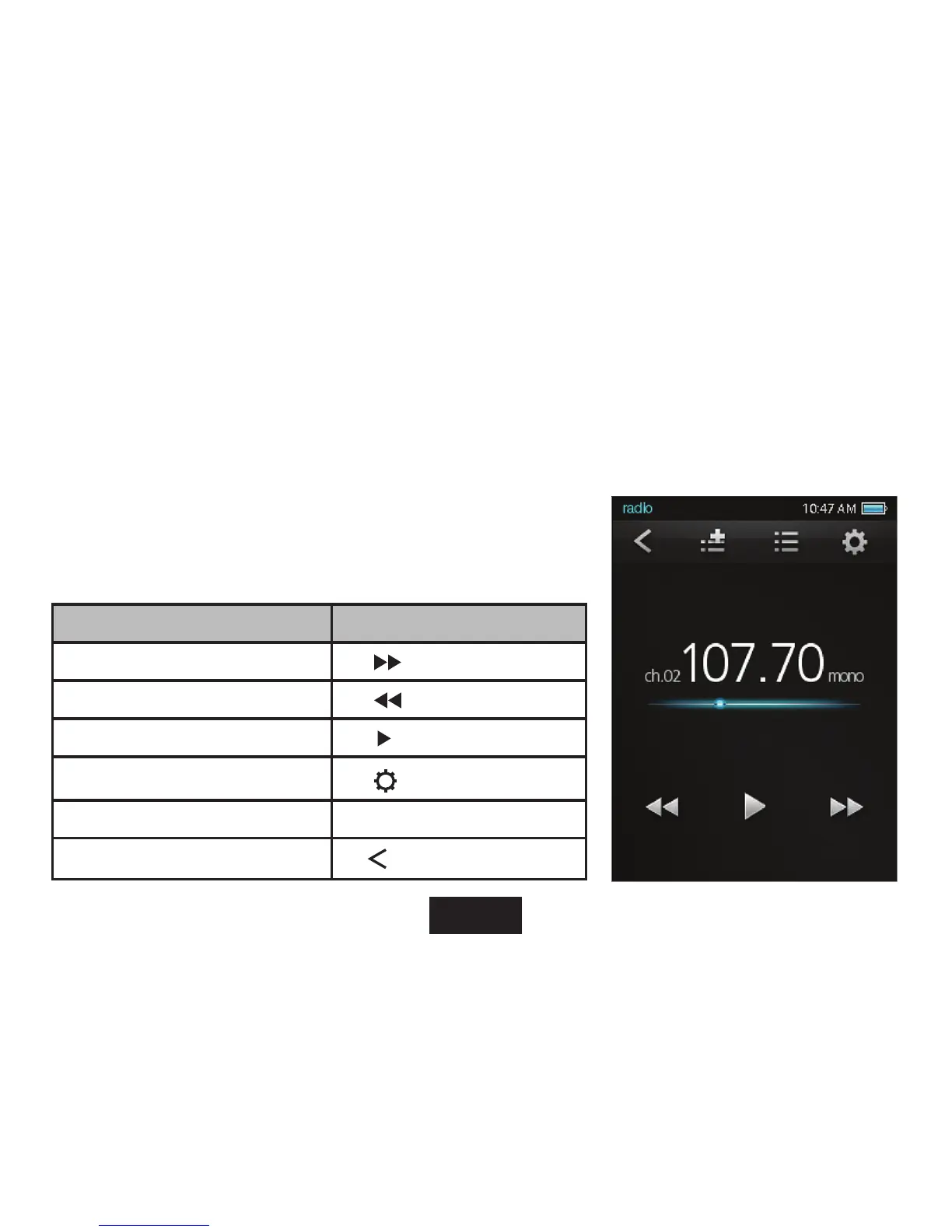
WhenyouchooseRadiofromtheMainmenu,youwillseetheRadioTuning
screen.Youcansearchforstations,tunetostationsmanually,ortunetopreset
stations. The following functions are performed from the Radio Tuning screen.
FUNCTION KEY ACTION
To tune to a higher station manually Tap
on screen
To tune to a lower station manually Tap
on screen
To tune to the next preset station Tap
on screen
To access the Quick Option menu
Tap
on screen
To adjust the volume level
Press <UP> or <DOWN>
To return to the Main menu
Tap on screen or press <MENU>



 To Next Page