35
Installation
1. LocatethesetupleonthesoftwareCD:
MP4Tool-370E.exe in the MP4Tool V0.3.7 folder.
2. Double-click the le to start the installation process.
3. Follow the on-screen instructions to complete the
installation process.
CONVERTING VIDEO
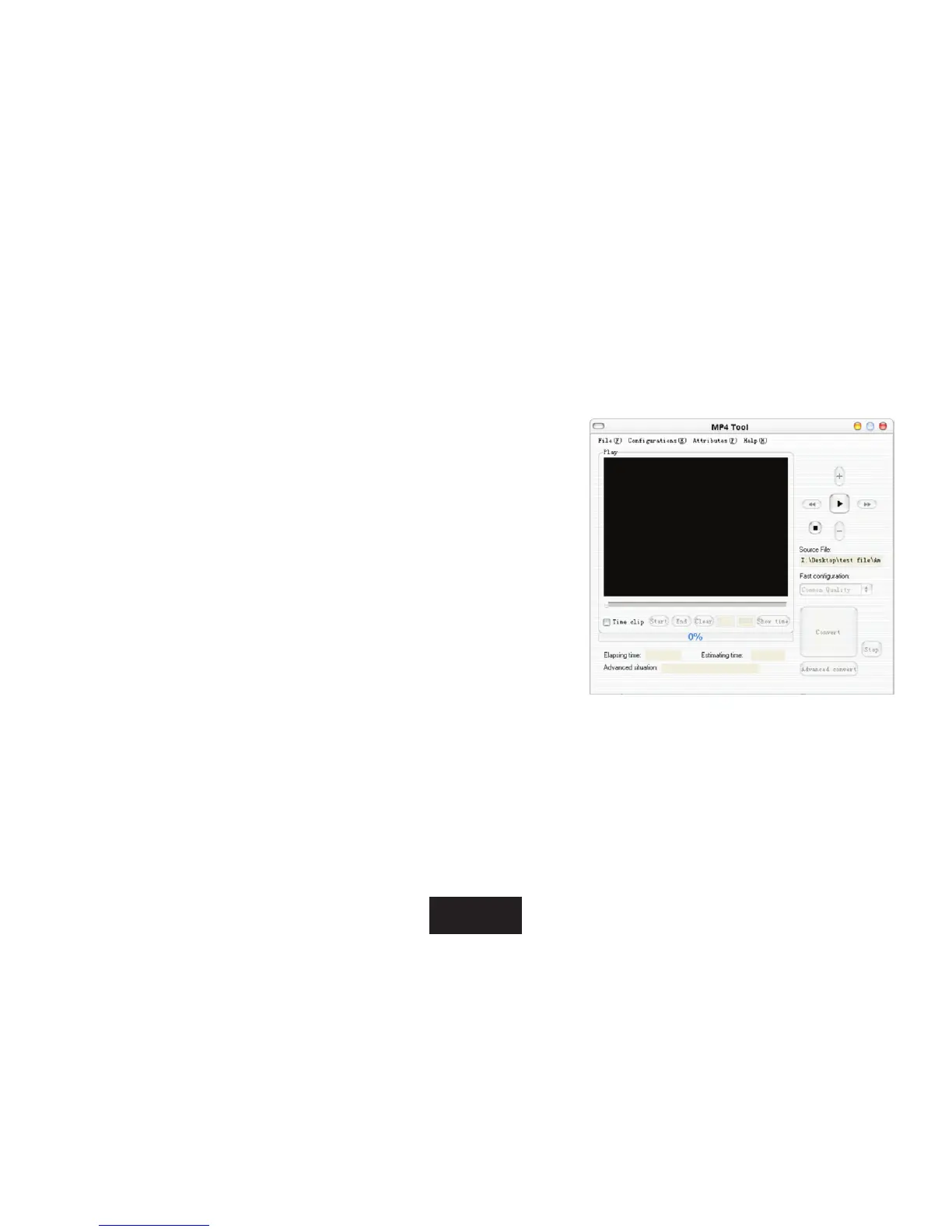
Tostarttheprogram,locatethe“MP4Tool”programinyour
WindowsStartmenu,theapplicationwindowwillappearonscreen.
1. Click“File”ontheMenuBartoaccesstheFilemenulist.
2. Click“Opensource”toselectasourcevideoletoconvert.
• Thesourcelemustbeoneofthefollowingvideotypes:AVI,RM,RMVB,MPG,MPEG,MP4orWMV.
• DirectX9.0,MediaPlayer9.0,andothercodesmustbeinstalledtosupportallmediatypes.
3. Click“Selecttarget”tochooseanameandlocationforthecompletedleafterconversion.
4. Settheoutputvideoqualityfromthe“Fastconguration”section.



 To Next Page