33
Clock Mode
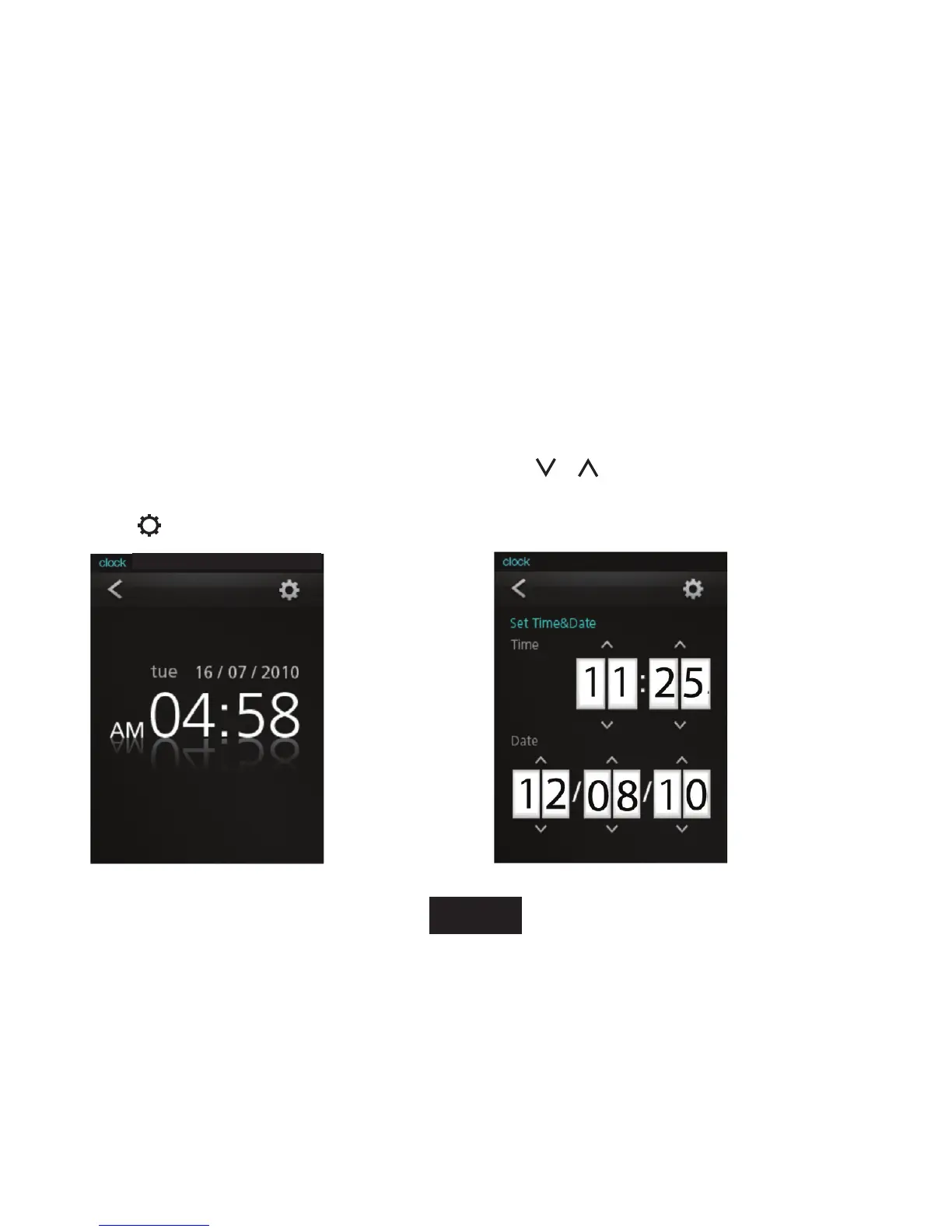
To set the internal date and time.
CLOCK SETTING CONTROLS
WhenyouchooseClockfromtheMainmenu,youwillsee
the Clock display screen.
1. Touch
to access the clock setting screen.
•Press<ENTER>to
go back to the Clock
display screen and
save the setting.
•Tap
or icons to adjust the corresponding eld.
Fromuptodownandlefttoright,theeldsare:
Hour,Minute,Date,Month,andYear.



 To Next Page