12
QUICK OPTION MENU
Toaccessthequickoptionmenu,tap< > on the Now Playing screen.
• Tobrowsethroughthesettings,pressthe<UP>or<DOWN>button.
• Toselectasetting,pressthe<ENTER>buttonortapthedesiredselectiononscreen.
• Toreturntothepreviousscreen,tap<
> on screen or press the <MENU> button.
Repeat Mode
Change the repeat options to adjust the order in which tracks are played.
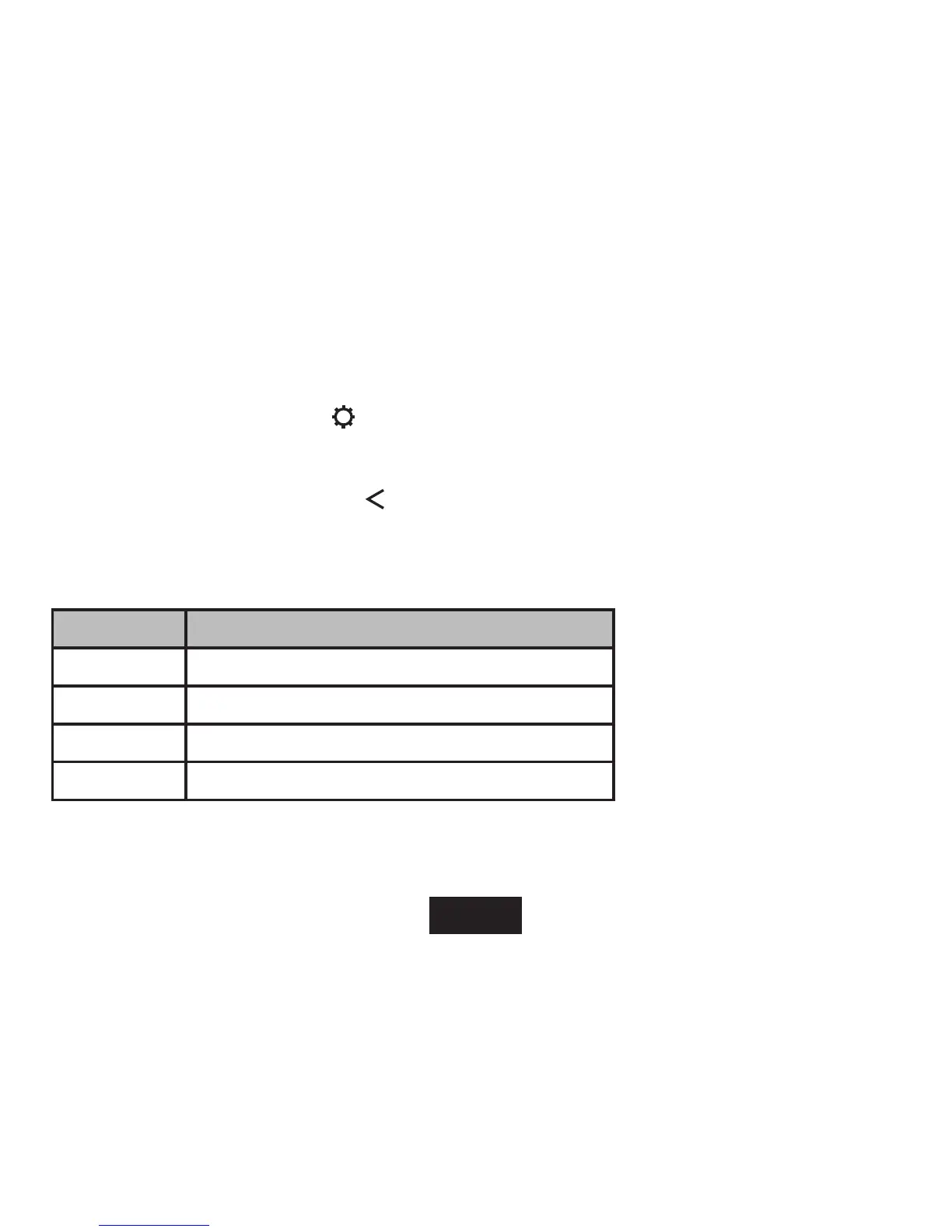
ITEM DESCRIPTION
Normal Play tracks in normal order and no repeat.
Single Play the current track repeatedly.
Random Play all tracks in random order.
All Play all tracks repeatedly.



 To Next Page