15
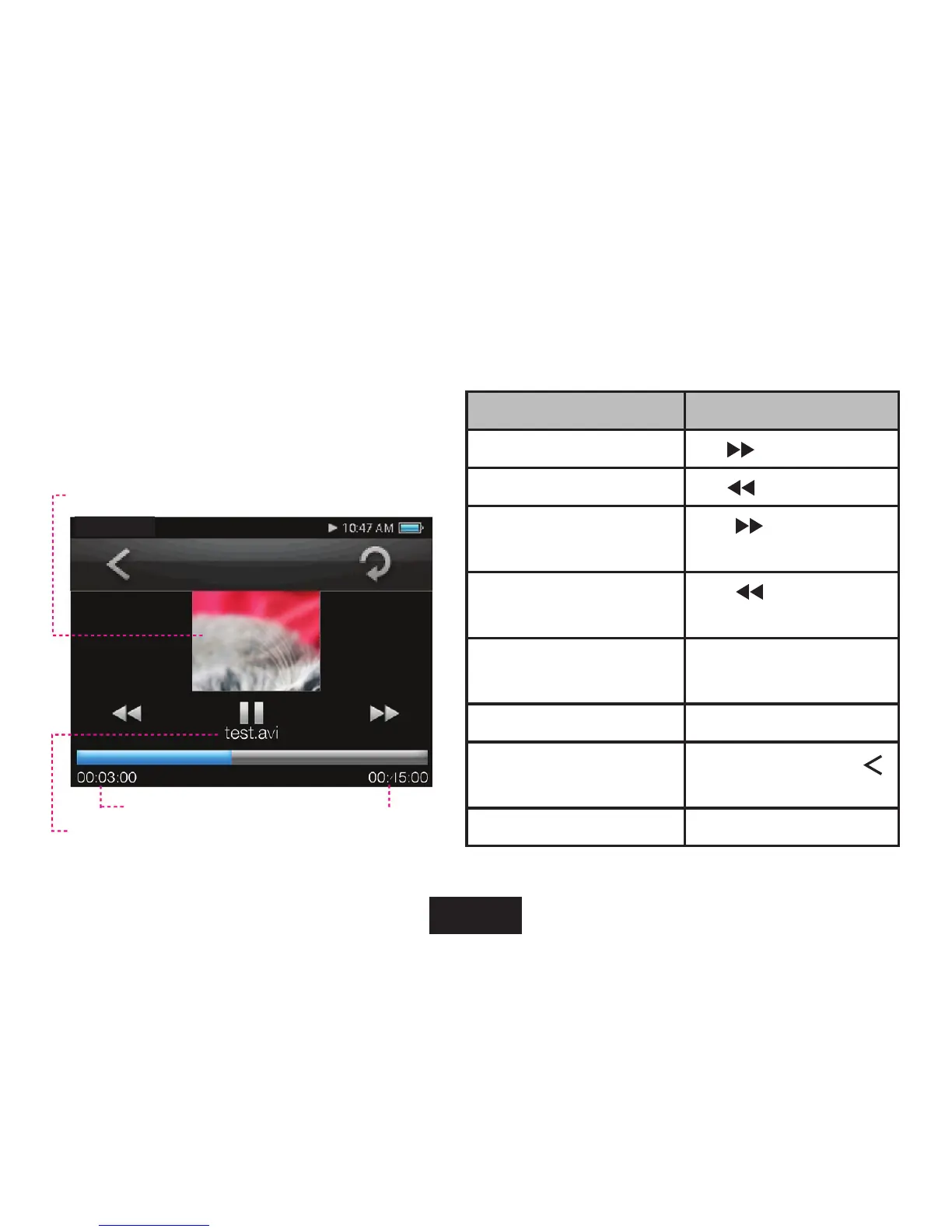
Tap the screen once to view the controls.
The following functions may be performed from the
Now Playing screen.
FUNCTION KEY ACTION
To play the next movie Tap
on screen
To play the previous movie Tap
on screen
To forward-scan quickly
through the current movie
Hold
on screen
To reverse-scan quickly
through the current movie
Hold
on screen
To pause/resume playback Press <ENTER> or
Tap the II button.
To adjust the volume level Press <UP> or <DOWN>
To return to the Movie
Browser screen
Press <MENU> or tap
on screen
To return to the Main menu Hold <MENU> button
Video Playing Window
Elapsed Time
Total Time
File Name
movie



 To Next Page