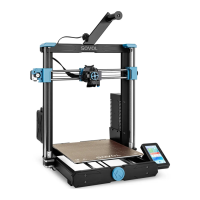
9.Interface Information
09
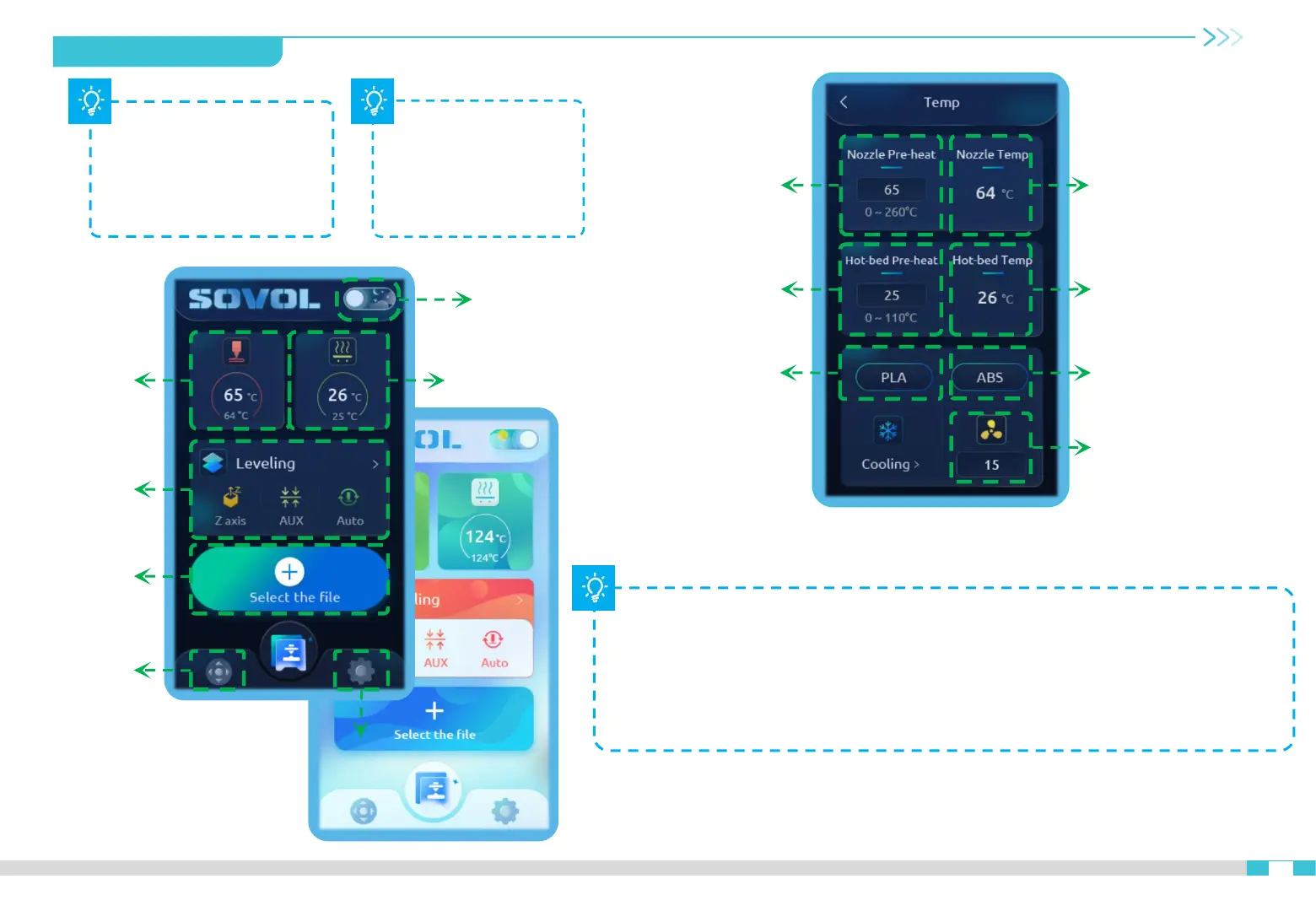
Theme
Hotbed temp
Leveling
Print
Setting
Move
Nozzle temp
Target hotbed temp
Default temp for PLA
Current nozzle temp
Current hotbed temp
Target nozzle temp
Default temp for ABS
Fan speed
Click the sun/moon
icon on the top of
the screen to switch
the theme day
mode/night mode
Click the nozzle
temperature or hot bed
temperature icon to enter
the right interface to
adjust the temperature
Note:
PLA preheat standard: nozzle temperature 200°, hot bed temperature 60°,
ABS preheat standard: nozzle temperature 240°, hot bed temperature 70°.
If you want to use thse setting, click PLA or ABS icon to get the default
settings quickly.


 To Next Page