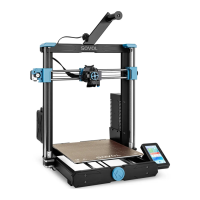
13.Start Printing
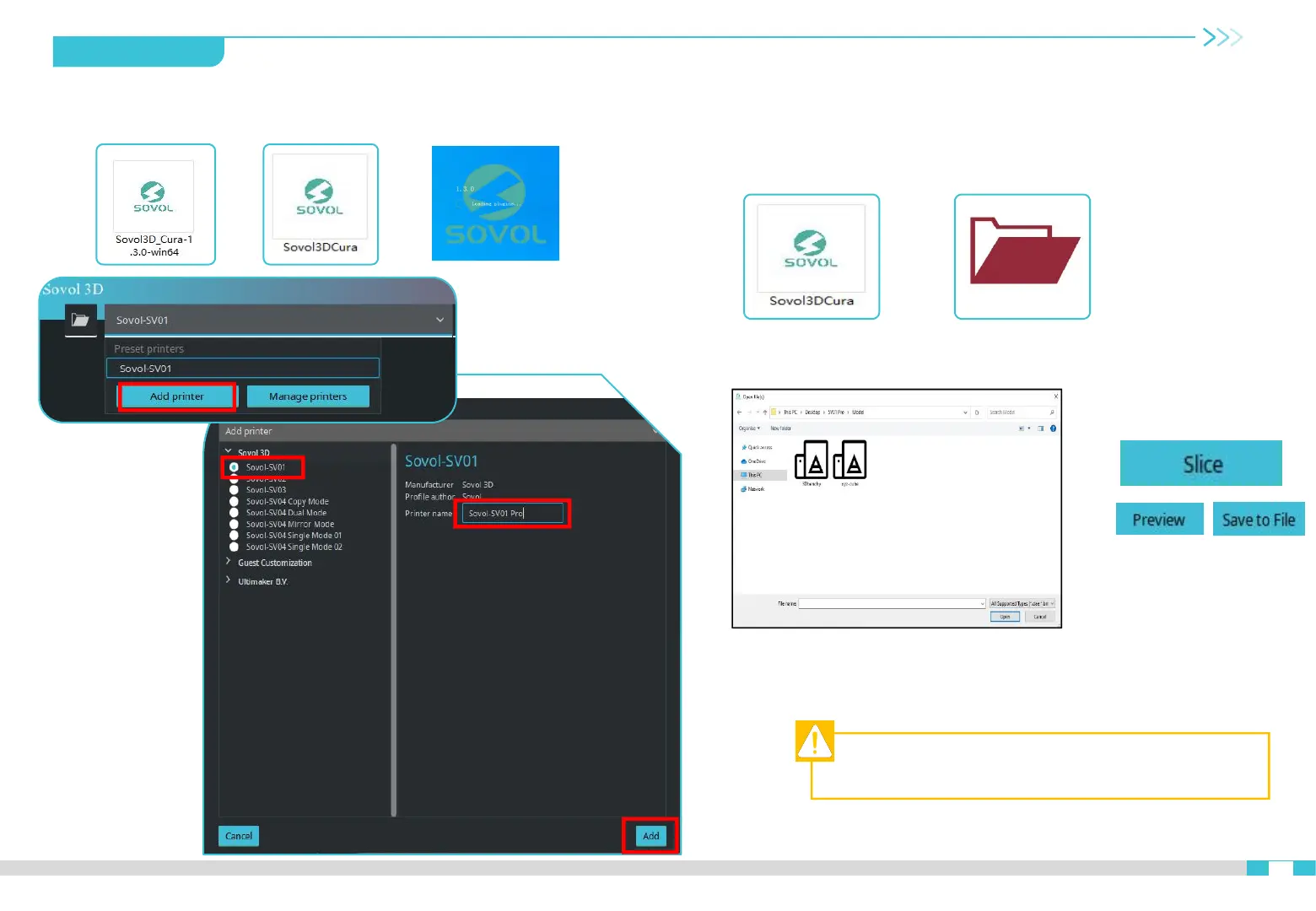
Install Sovol3D Cura software
①
>>
Open slicer→Import(Open file)→Select the file→Click slice→Save
to file (Save to the TF card)
Slicing
Note:File names must be Latin letters or numbers, not
Chinese characters or other special symbols.
②
13
>> >>
>> >>
Select Other → SV01 → Rename the printer:SV01 Pro → Add Printer.
>>


 To Next Page